How to Recognize Common Cybersecurity Risks in Everyday Life
Cybersecurity is often associated with large companies, sophisticated hackers, or major data breaches. In reality, many cybersecurity risks appear in ordinary situations that people encounter every day.
A suspicious email, reused password, unsecured Wi-Fi network, fake login page, unexpected software download, or overly permissive mobile application can create opportunities for cybercriminals to steal information or gain unauthorized access to accounts.
The good news is that recognizing common risks does not require advanced technical knowledge. Understanding a few warning signs can help people make safer decisions when using computers, smartphones, online accounts, and connected devices.
What Are Everyday Cybersecurity Risks?
An everyday cybersecurity risk is a situation, behavior, or technology that could expose a person, device, account, or personal information to unauthorized access or misuse.
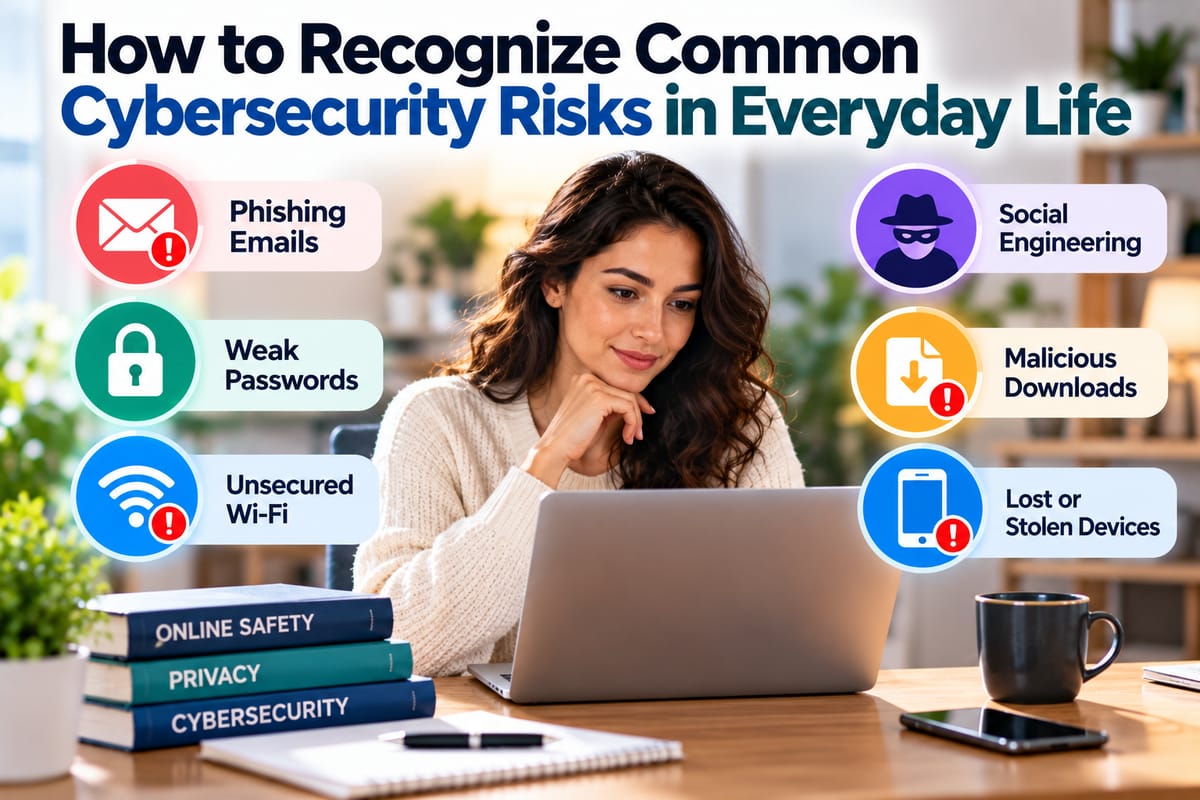
Common examples include:
- Weak or reused passwords
- Phishing messages
- Fake websites
- Malicious attachments
- Unsecured networks
- Outdated software
- Unsafe downloads
- Oversharing personal information
- Unauthorized account access
- Fraudulent technical-support messages
- Lost or stolen devices
Some risks depend on technical vulnerabilities, while others rely heavily on human behavior.
Cybersecurity therefore involves both technology and decision-making.
Why Everyday Cybersecurity Matters
Modern life depends on digital services.
People use online accounts for:
- Banking
- Shopping
- Communication
- Work
- Education
- Healthcare
- Entertainment
- Government services
- Social networking
- Cloud storage
A compromised account can therefore affect much more than a single website.
For example, gaining access to an email account may allow an attacker to reset passwords for other services. A stolen identity document or personal detail may potentially be used for fraud. A compromised device may expose locally stored information.
Understanding the basics covered in Staying Safe in the Digital World can help put these individual risks into a broader cybersecurity context.
Recognizing Phishing Attempts
Phishing is one of the most common cybersecurity threats encountered by everyday users.
A phishing message attempts to persuade someone to reveal information, click a harmful link, download a file, or take another action that benefits the attacker.
Phishing can appear through:
- Text messages
- Social media
- Messaging applications
- Phone calls
- Fake websites
- Workplace communication platforms
Common warning signs include:
- Unexpected requests for sensitive information
- Urgent demands for immediate action
- Suspicious links
- Unusual sender addresses
- Unexpected attachments
- Requests for passwords or verification codes
- Threats that an account will be closed
- Offers that seem unusually attractive
The distinction between phishing and broader manipulation techniques is explained in Phishing Versus Social Engineering Explained.
Be Careful With Urgent Messages
Cybercriminals often try to create a sense of urgency.
A message might claim:
"Your account will be closed today."
Or:
"Suspicious activity detected. Verify your identity immediately."
The objective is to encourage the recipient to act before thinking carefully.
Urgency alone does not prove that a message is fraudulent. Legitimate organizations sometimes send urgent notifications.
However, unexpected urgency combined with a request for sensitive information or an unfamiliar link deserves additional scrutiny.
Instead of clicking the message's link, consider opening the organization's official application or website separately.
Check Links Before Clicking
A link can appear legitimate while directing a user somewhere else.
Before clicking an unexpected link, examine where it leads when possible.
Look for:
- Misspelled domains
- Strange subdomains
- Unusual characters
- Unexpected domain extensions
- Shortened links
- Addresses unrelated to the organization mentioned in the message
A familiar company logo does not prove that a webpage is legitimate.
Attackers can reproduce logos, colors, layouts, and other visual elements to make fraudulent websites look convincing.
Watch for Fake Login Pages
A fake login page is designed to resemble a legitimate sign-in screen.
It may imitate:
- Email providers
- Banks
- Social networks
- Cloud storage services
- Online retailers
- Workplace platforms
- Government services
The goal is often to capture usernames, passwords, authentication codes, or other credentials.
If you receive an unexpected request to sign in, avoid using the embedded link. Instead, navigate directly to the service through an address you already know or an official application.
Protect Passwords From Reuse
Password reuse creates a major security problem.
Suppose someone uses the same password for:
- Shopping
- Social media
- Cloud storage
- Banking
If one service experiences a credential breach and the password becomes known to an attacker, that same password may be tried against other accounts.
Use unique passwords for important services.
A password manager can make this easier by generating and storing different passwords without requiring you to memorize every one.
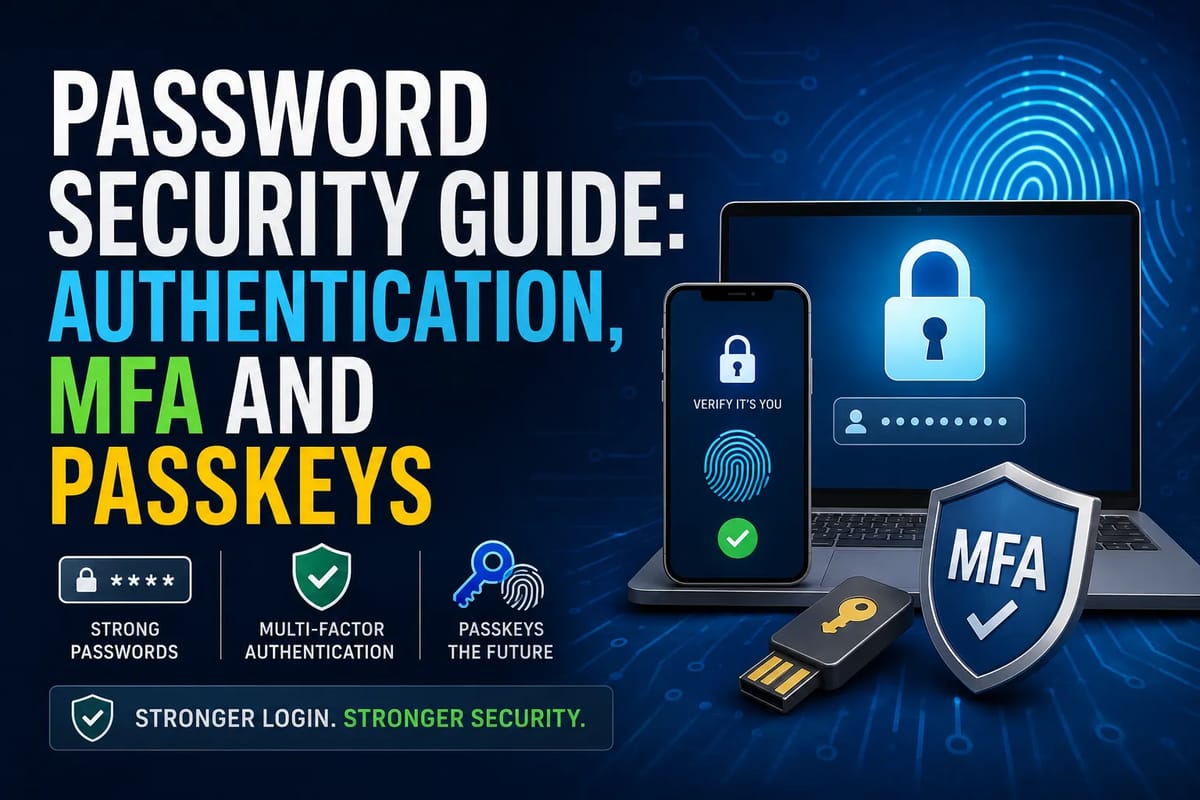
Use Multi-Factor Authentication
A strong password is useful, but it can still be stolen or exposed.
Multi-factor authentication adds another verification requirement when someone signs into an account.
Depending on the service, this could involve:
- An authenticator application
- A security key
- A verification code
- A biometric method
- Another approved authentication factor
How Multi-Factor Authentication Improves Account Security explains how this additional layer can make unauthorized account access more difficult.
Enable multi-factor authentication on important accounts whenever it is available.
Never Share Verification Codes Unexpectedly
Authentication codes can be valuable to attackers.
A scammer may contact someone while pretending to be:
- A bank employee
- A technical-support representative
- A delivery company
- A colleague
- A government official
- A family member
They may claim that a verification code is needed to confirm an account or identity.
If someone unexpectedly asks you to provide a login or authentication code, treat the request with caution.
A legitimate authentication code is generally intended to verify an action you initiated, not to give another person access to your account.
Recognize Unsafe Downloads
Malicious software can be disguised as something useful.
A file may be presented as:
- An invoice
- A document
- A software update
- A game
- A browser extension
- A media file
- A productivity tool
- A security application
Be cautious when downloading software from unfamiliar websites.
Whenever possible, obtain applications from reputable sources and verify that the software is genuine before installing it.
Keep Software Updated
Software updates are not only about adding features.
Updates can also address security vulnerabilities.
Important software to keep updated includes:
- Operating systems
- Web browsers
- Mobile applications
- Desktop applications
- Antivirus or security software
- Routers
- Smart devices
Enable automatic updates where appropriate.
For devices that require manual updates, establish a routine for checking them.
Be Careful With Browser Extensions
Browser extensions can provide useful functionality, but they may also request extensive permissions.
Before installing an extension, consider:
- Who developed it
- Whether it is still maintained
- What permissions it requests
- Whether those permissions make sense
- How many users rely on it
- Whether you actually need it
Remove extensions that are no longer necessary.
An extension that can read or modify website data may have access to more information than users realize.
Understand Public Wi-Fi Risks
Public Wi-Fi can be convenient in airports, hotels, restaurants, libraries, and other locations.
However, users should avoid assuming that every public network is trustworthy.
Potential risks include:
- Fake networks
- Poorly secured networks
- Unencrypted services
- Network impersonation
- Unauthorized monitoring
When using unfamiliar networks, avoid performing sensitive activities unless appropriate security protections are in place.
Use websites that employ encrypted connections and keep devices properly secured.
Secure Your Home Wi-Fi
Cybersecurity risks do not disappear when you leave public networks.
Home networks should also be protected.
Important steps can include:
- Changing default router credentials
- Using a strong Wi-Fi password
- Enabling modern wireless security
- Updating router firmware
- Reviewing connected devices
- Disabling unnecessary router features
- Creating a separate guest network when appropriate
An unsecured home network can potentially expose multiple devices at once.
Be Careful About Oversharing Personal Information
Personal information can be valuable to criminals.
Information that appears harmless in isolation may become more useful when combined with other details.
Examples include:
- Full name
- Date of birth
- Home address
- Phone number
- Email address
- Workplace
- Family details
- Travel plans
- Account information
- Identification information
Be particularly careful about publicly sharing information that could help someone answer security questions or impersonate you.
Watch What You Share on Social Media
Social media can reveal more information than users realize.
Posts may disclose:
- Where someone lives
- Where they work
- When they are traveling
- Names of family members
- Personal interests
- Birthdays
- Daily routines
- Photos containing identification or addresses
None of these details automatically creates a cybersecurity incident.
However, attackers can potentially combine publicly available information to make scams more convincing.
Review privacy settings and think carefully before publishing sensitive details.
Recognize Fake Technical Support
Technical-support scams often begin with an alarming message.
A person may receive a pop-up or phone call claiming that:
- Their computer has a virus
- Their account has been compromised
- Their subscription is expiring
- Their device requires urgent repair
- A security problem needs immediate attention
The scammer may then ask for remote access, payment, passwords, or other sensitive information.
Legitimate security warnings do not automatically mean that a stranger contacting you is authorized to fix the problem.
If you are concerned about a device, contact the relevant company through an official channel rather than relying on the contact information provided in an unexpected alert.
Be Alert to Business Email and Message Impersonation
Cybersecurity risks can also appear in ordinary workplace communication.
An attacker may impersonate:
- A manager
- A colleague
- A supplier
- A customer
- A financial institution
The message might request:
- A payment
- Sensitive documents
- Password information
- Account changes
- Gift cards
- Confidential data
When a request involves money, credentials, or sensitive information, verify it through another trusted communication channel.
For example, if an email appears to come from a manager requesting an unusual payment, confirm the request directly rather than replying to the original message.
Protect Your Email Account
Email is one of the most important accounts to secure because it is often connected to other services.
An attacker who gains access to an email account may be able to request password resets for other accounts.
Protect your email by:
- Using a unique password
- Enabling multi-factor authentication
- Reviewing account recovery options
- Monitoring unusual login notifications
- Removing unfamiliar connected applications
- Keeping recovery information current
A secure email account can help protect many other digital services.
Recognize Identity Theft Risks
Identity theft occurs when someone's personal information is used without authorization for fraudulent or deceptive purposes.
Potential warning signs can include:
- Unrecognized financial activity
- Unknown accounts
- Unexpected bills
- Unfamiliar password-reset notifications
- Changes to account information
- Messages about transactions you did not make
- Government or financial correspondence you do not recognize
The Identity Theft Protection Guide provides broader information about protecting personal information and responding to potential identity-related fraud.
Be Cautious With QR Codes
QR codes are increasingly used for payments, menus, login processes, promotions, and other services.
However, a QR code can direct someone to a malicious or fraudulent website just like an ordinary link.
Before entering sensitive information after scanning a QR code, check the destination carefully.
Be especially cautious when a QR code is:
- Unexpected
- Placed over another code
- Included in an unsolicited message
- Associated with an unusual offer
- Asking for sensitive information
Watch for Unusual Account Activity
Many services provide notifications about account activity.
Pay attention to alerts involving:
- New logins
- Password changes
- New devices
- Recovery information changes
- Unusual transactions
- New applications
- Changes to security settings
An unfamiliar notification does not always mean an account has been compromised. It could result from a new device, travel, or another legitimate action.
If you do not recognize the activity, investigate it promptly through the service's official account settings.
Secure Your Smartphone
Smartphones contain enormous amounts of personal information.
They may provide access to:
- Banking applications
- Social media
- Photos
- Messages
- Cloud storage
- Authentication applications
- Contact lists
- Work systems
Protect your phone with an appropriate screen lock and keep its operating system and applications updated.
Avoid installing applications from untrusted sources, and review application permissions periodically.
Protect Your Physical Devices
Cybersecurity is not limited to online activity.
A stolen or unattended laptop, phone, tablet, or storage device may expose information if it is not properly protected.
Useful precautions include:
- Use a screen lock
- Enable device encryption where available
- Keep devices physically secure
- Avoid leaving devices unattended in public
- Enable remote location or wipe features when appropriate
- Back up important data
Physical security and digital security often work together.
Back Up Important Data
Backups can reduce the impact of certain cybersecurity incidents.
Important files might include:
- Personal photographs
- Work documents
- Financial records
- School files
- Creative projects
- Important correspondence
A backup is particularly valuable if data becomes inaccessible because of device failure, accidental deletion, ransomware, or another incident.
Backups should be maintained separately enough from the original data that a problem affecting the main device does not automatically destroy every copy.
Recognize Social Engineering
Some attacks do not depend on breaking sophisticated technical defenses.
Instead, they manipulate people.
Social engineering can involve psychological tactics designed to persuade someone to:
- Reveal information
- Transfer money
- Open a file
- Click a link
- Install software
- Bypass a security procedure
Attackers may use authority, urgency, fear, curiosity, or familiarity to make a request appear legitimate.
Being willing to pause and verify unusual requests is one of the simplest defenses.
Create a Pause-and-Verify Habit
A useful cybersecurity habit is to pause whenever a digital request feels unusual.
Ask:
- Was I expecting this message?
- Do I recognize the sender?
- Is the request reasonable?
- Does the link go where I expect?
- Is someone asking for sensitive information?
- Can I verify the request independently?
A short pause can prevent an impulsive action from becoming a serious security problem.
Common Warning Signs at a Glance
| Risk | Warning sign | Safer response |
|---|---|---|
| Phishing | Unexpected urgent message | Verify independently |
| Fake website | Unusual domain | Navigate directly to the official site |
| Password attack | Login alerts you do not recognize | Change the password and review account activity |
| Malware | Unexpected download | Avoid installing it |
| Identity theft | Unrecognized accounts or transactions | Investigate through official channels |
| Social engineering | Pressure to act immediately | Stop and verify |
| Unsafe Wi-Fi | Unknown network | Use trusted connections and appropriate protections |
| Account takeover | Password or security changes you did not make | Secure the account immediately |
Make Cybersecurity Part of Everyday Life
Cybersecurity does not require becoming a technical expert.
It starts with recognizing common warning signs and developing simple habits.
Use unique passwords. Enable multi-factor authentication. Keep software updated. Be skeptical of unexpected requests. Verify unusual payment or account changes. Limit unnecessary personal information sharing. Protect your devices and back up important files.
Most importantly, avoid allowing urgency to replace careful thinking.
Building Safer Digital Habits
Everyday cybersecurity is ultimately about reducing opportunities for mistakes and unauthorized access.
A suspicious message may take only a few seconds to examine. A password can be replaced with a unique credential. Multi-factor authentication can add another layer of account protection. Software can be updated before a known vulnerability becomes a problem.
No single security measure eliminates every risk. But a collection of simple habits can make everyday digital activity considerably more deliberate and resilient.
The more familiar people become with common cybersecurity warning signs, the easier it becomes to recognize suspicious situations before they turn into serious problems.