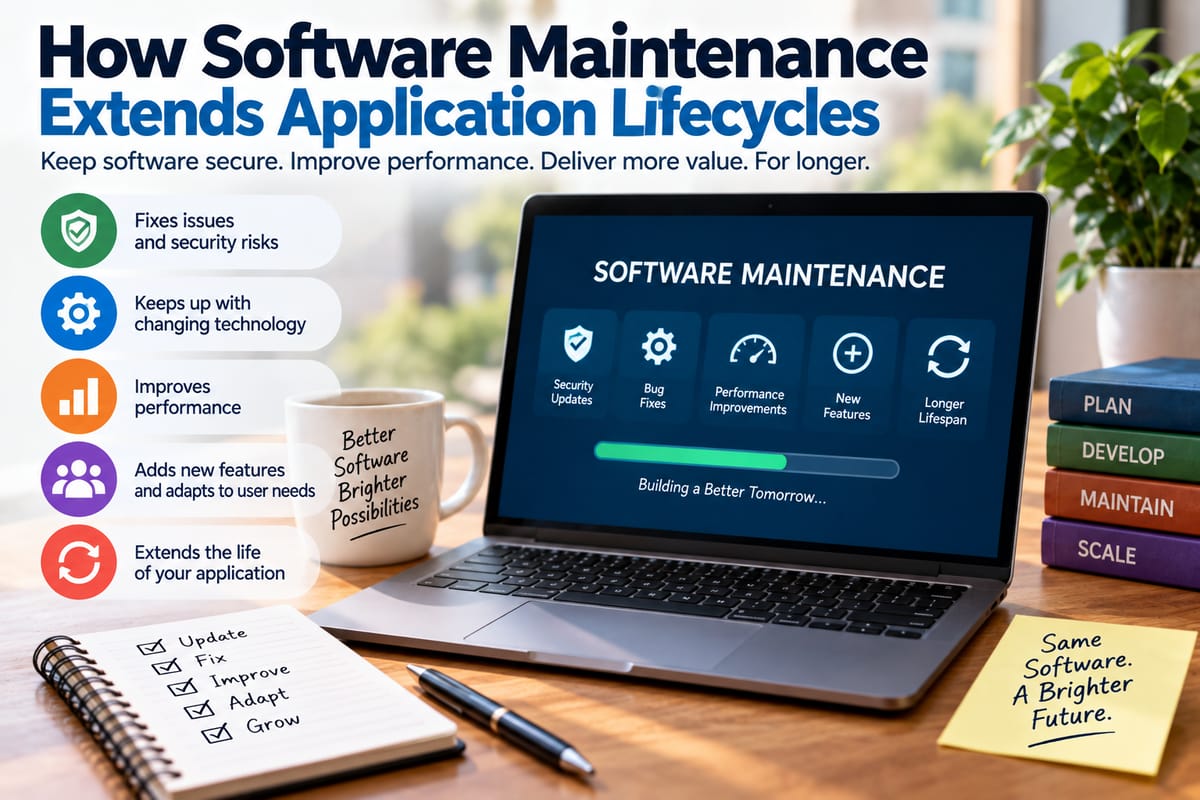
How Software Maintenance Extends Application Lifecycles
Software applications are rarely finished when they are first released. Even a well-designed application needs ongoing attention as operating systems change, security threats evolve, user expectations grow, and underlying technologies become outdated.
This ongoing work is known as software maintenance, and it plays a major role in determining how long an application remains useful. Rather than allowing software to become obsolete after its initial release, maintenance helps organizations preserve functionality, address problems, improve performance, and adapt applications to changing environments.
For businesses and individual users alike, effective maintenance can extend an application's practical lifecycle while reducing the need for costly replacements.
What Is Software Maintenance?
Software maintenance refers to the activities performed after an application has been deployed. These activities can include fixing defects, improving performance, updating dependencies, addressing security vulnerabilities, modifying features, and adapting software to new environments.
Maintenance is not limited to repairing broken applications. Developers may also make changes when an application continues to work but no longer meets current requirements.
For example, an application might need to be modified because:
- A new operating system changes how certain functions work.
- A third-party service changes its API.
- A security vulnerability is discovered.
- Users need a new feature.
- Performance declines as the amount of data increases.
- A programming library reaches the end of its supported life.
- New hardware requires software compatibility changes.
These changes help keep an application functional and relevant over time.
The Main Types of Software Maintenance
Software maintenance is commonly divided into several categories. Each addresses a different reason for changing an application.
Corrective Maintenance
Corrective maintenance focuses on fixing errors and defects discovered after software has been released.
A defect might cause an application to crash, display incorrect information, lose data, or behave unexpectedly under particular conditions.
Fixing these problems improves stability and prevents small defects from becoming larger operational issues.
For example, if users discover that an application crashes whenever they upload a particular type of file, developers can investigate the underlying problem and release a correction.
Adaptive Maintenance
Adaptive maintenance allows software to continue working when its surrounding environment changes.
Applications often depend on operating systems, browsers, databases, cloud platforms, hardware, APIs, and other technologies. When one of these components changes, the application may need to change as well.
An application might therefore require maintenance after:
- An operating system upgrade
- A database migration
- A browser technology change
- A cloud service modification
- A hardware platform transition
- Changes to external APIs
Without adaptive maintenance, otherwise functional software can gradually become incompatible with its environment.
Perfective Maintenance
Perfective maintenance improves software even when there is no critical defect.
Developers may use this type of maintenance to improve usability, add useful functionality, simplify workflows, or respond to changing user expectations.
For instance, an application might originally require several steps to complete a common task. Developers could redesign that workflow to make it faster and easier to understand.
Perfective maintenance helps applications remain competitive and useful rather than simply keeping them operational.
Preventive Maintenance
Preventive maintenance attempts to reduce the likelihood of future problems.
Developers may refactor complicated code, remove outdated dependencies, improve automated tests, document important components, or strengthen monitoring systems.
These changes might not produce an obvious new feature for users, but they can make the software easier to maintain and less vulnerable to future problems.
Why Maintenance Is Essential for Long-Term Software
Software does not exist in isolation. It operates within a constantly changing technical environment.
An application that worked perfectly several years ago may encounter problems today because its dependencies, infrastructure, security requirements, or user expectations have changed.
Regular maintenance addresses this gradual technological drift.
The development process itself provides the foundation for this long-term work. Organizations that want a deeper understanding of how software moves from planning through development, testing, deployment, and ongoing improvement can explore the Complete Guide to Software Development Processes.
Maintenance effectively extends the development process beyond the original launch.
Security Updates Help Prevent Software From Becoming Vulnerable
Security is one of the most important reasons to maintain software.
New vulnerabilities can be discovered long after an application has been released. Developers may also discover weaknesses in their own code or learn that a third-party dependency contains a security problem.
Maintenance allows teams to respond by:
- Installing security patches
- Updating vulnerable libraries
- Improving authentication systems
- Strengthening access controls
- Fixing insecure configurations
- Updating encryption-related components
- Removing obsolete technologies
- Improving security monitoring
Ignoring known vulnerabilities can leave applications exposed even when the software continues to function normally.
Security maintenance therefore helps preserve not only the application's lifecycle but also the safety of the systems and information connected to it.
Software Updates Keep Applications Compatible
Updates are one of the most visible forms of software maintenance.
An update might contain a security patch, a bug fix, a compatibility improvement, a performance enhancement, or a new feature. Some updates are small and nearly invisible, while others introduce substantial changes.
Understanding How Software Updates Work and Matter helps explain why regularly updating applications is more than simply receiving new features.
Updates can prevent compatibility problems before they become serious. They can also help applications work correctly with newer operating systems, devices, services, and infrastructure.
Performance Maintenance Extends Practical Lifespan
An application can remain technically functional while becoming increasingly slow or inefficient.
This can happen as databases grow, user numbers increase, workloads become more complicated, or inefficient processes accumulate over time.
Performance maintenance can involve:
- Optimizing database queries
- Reducing unnecessary processing
- Improving memory management
- Optimizing network requests
- Reducing application startup time
- Improving caching
- Removing inefficient code
- Optimizing resource-intensive operations
Developers can also investigate bottlenecks through profiling and performance monitoring.
The relationship between maintenance and speed is particularly important for applications that handle growing workloads. Techniques described in How Developers Optimize Software Performance and Application Speed show how performance improvements can help applications remain responsive as demands change.
Maintenance Improves Software Reliability
Reliability is another major factor in determining whether an application remains useful over many years.
Repeated crashes, failed transactions, data corruption, and unpredictable behavior can eventually make users lose confidence in software.
Maintenance can improve reliability by identifying recurring failure patterns and addressing their underlying causes.
Developers may introduce:
- Better error handling
- Automated testing
- Monitoring and alerts
- Improved logging
- Fault-tolerance mechanisms
- More robust data validation
- Safer deployment processes
Reliability is closely connected to usability as well. An application may contain many useful features, but those features have limited value if users cannot depend on the software to work consistently.
For more on these qualities, What Makes Software Reliable and Usable explores the characteristics that help applications remain dependable and practical for their users.
Maintenance Can Reduce Replacement Costs
Replacing an established application can be expensive.
Organizations may need to purchase or develop replacement software, migrate data, retrain employees, redesign workflows, integrate other systems, and manage the transition between platforms.
Regular maintenance does not eliminate the need for eventual replacement. Some applications eventually reach a point where their architecture, dependencies, or business requirements make continued maintenance impractical.
However, well-managed maintenance can postpone that point.
Instead of replacing an application simply because it has accumulated manageable problems, organizations can address those problems incrementally.
This can spread costs over time and reduce the disruption associated with large technology migrations.
Maintenance Also Protects Institutional Knowledge
Long-running applications often contain years of accumulated business logic.
That logic may represent how an organization processes transactions, manages customers, handles inventory, calculates payments, or performs other specialized operations.
Replacing such software can create a risk of losing important knowledge that is embedded in the existing system.
Regular maintenance gives developers opportunities to document this logic, simplify complicated components, and gradually improve the application's architecture.
This can make the software easier for new developers to understand and maintain.
Refactoring Helps Control Technical Debt
Technical debt develops when shortcuts, outdated approaches, or complicated implementations accumulate in a software system.
A small shortcut may have little impact initially. Over time, however, dozens or hundreds of such decisions can make the application harder to modify.
Refactoring involves restructuring code without changing its intended behavior.
Developers might:
- Break large functions into smaller components
- Remove duplicate code
- Simplify complicated logic
- Improve naming
- Separate responsibilities
- Replace obsolete libraries
- Improve automated test coverage
Refactoring can make future maintenance faster and safer.
Without this kind of preventive work, every new feature or correction may become more difficult to implement.
Testing Is a Critical Part of Maintenance
Changes to existing software can create unexpected side effects.
A developer might fix one problem while unintentionally affecting another part of the application. Testing helps identify these problems before updated software reaches users.
Maintenance teams can use different forms of testing, including:
- Unit testing
- Integration testing
- Regression testing
- Performance testing
- Security testing
- User acceptance testing
- Automated testing
Regression testing is particularly important for mature applications because it checks whether existing functionality continues to work after changes have been introduced.
A strong testing process gives developers greater confidence that maintenance work will improve the application without creating new problems.
Documentation Makes Long-Term Maintenance Easier
Software maintenance becomes harder when developers do not understand how an application works.
Documentation can explain architecture, dependencies, configuration requirements, data structures, APIs, deployment procedures, and important business rules.
Good documentation also reduces dependence on individual developers.
If the original developers leave an organization, new team members can use documentation to understand the system rather than reconstructing its design entirely from source code.
Documentation therefore contributes indirectly to a longer software lifecycle by making future maintenance more manageable.
Monitoring Helps Teams Identify Problems Earlier
Modern applications can generate large amounts of operational information.
Monitoring systems can track application availability, response times, errors, resource consumption, database performance, and other indicators.
This allows developers to identify problems before users experience widespread disruption.
For example, a gradual increase in response times might indicate that a database query is becoming inefficient as the volume of stored information grows.
Addressing that issue early can prevent a larger performance problem later.
Maintenance is therefore not only reactive. Monitoring allows teams to identify conditions that could eventually shorten an application's useful life.
Cloud Applications Still Require Maintenance
Moving software to the cloud does not eliminate maintenance.
Cloud-based applications still depend on operating environments, databases, APIs, libraries, authentication systems, network services, and infrastructure.
Cloud providers may update their platforms, discontinue older services, change pricing structures, or introduce new technical requirements.
Developers must therefore continue monitoring and adapting applications even when infrastructure management is handled partly by a cloud provider.
In some cases, cloud environments make maintenance easier by providing automated deployment, monitoring, scaling, backup, and infrastructure-management capabilities. But responsibility for the application itself remains.
When Maintenance Becomes More Difficult
Maintenance cannot extend an application's lifecycle indefinitely.
There may eventually be a point where continuing to modify an application costs more than replacing it.
Warning signs can include:
- Extremely outdated technology
- Unsupported dependencies
- Severe architectural limitations
- Lack of qualified developers
- Increasing security risks
- Poor performance that is difficult to resolve
- Excessive technical debt
- Inability to integrate with modern systems
- Maintenance costs that continually rise
- Business requirements that the existing architecture cannot support
At this stage, organizations may consider modernization, partial replacement, or a complete migration.
The goal of maintenance is not to preserve software forever. Instead, it is to maximize the application's useful life while the system continues to provide reasonable value.
How Organizations Can Build a Sustainable Maintenance Strategy
Effective maintenance works best when it is planned rather than treated as an emergency response.
Organizations can establish regular processes for reviewing application health, updating dependencies, monitoring security issues, testing changes, and addressing technical debt.
A sustainable maintenance strategy can include:
- Track application dependencies so outdated components can be identified.
- Monitor security vulnerabilities and prioritize important patches.
- Schedule regular updates rather than allowing software to become years behind.
- Automate testing where practical to catch regressions quickly.
- Monitor application performance and investigate gradual degradation.
- Document important systems so maintenance does not depend on individual employees.
- Refactor strategically to prevent technical debt from becoming unmanageable.
- Review architecture periodically as business and technical requirements change.
- Measure maintenance costs to determine when modernization may make more sense.
- Plan for eventual replacement even while maintaining the current application.
This approach treats maintenance as a continuous part of software ownership rather than an occasional repair exercise.
Maintenance and the Software Lifecycle
Software typically passes through several stages, from planning and development to testing, deployment, operation, maintenance, modernization, and eventual retirement.
Maintenance occupies a particularly important position because it connects the initial development process with the application's long-term operation.
An application that receives thoughtful maintenance can remain useful long after its original release. Developers can repair defects, improve performance, adapt the software to new environments, strengthen security, and gradually introduce improvements.
Without maintenance, even well-designed applications can become increasingly difficult to operate.
Why Long-Term Maintenance Matters
Software maintenance extends an application's lifecycle by keeping it aligned with the environment in which it operates.
It helps correct problems, address security risks, preserve compatibility, improve performance, strengthen reliability, and adapt applications to changing user needs. It can also make future development easier by reducing technical debt and improving the underlying codebase.
The most sustainable approach is not simply to keep old software running at any cost. Instead, organizations should continuously evaluate whether maintenance is delivering sufficient value and whether modernization or replacement has become more appropriate.
When maintenance is treated as an ongoing part of software development rather than an afterthought, applications have a better opportunity to remain secure, useful, reliable, and adaptable throughout their practical lifecycles.