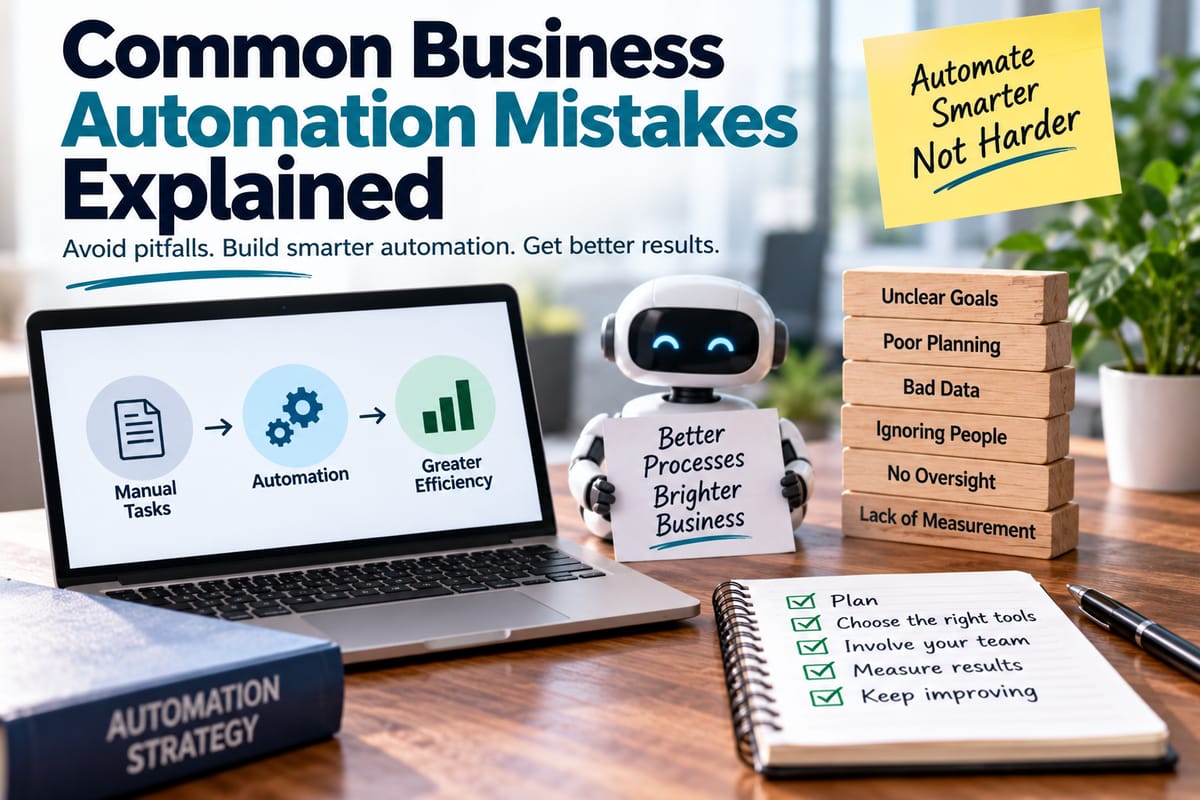
Common Business Automation Mistakes Explained
Business automation can help organizations reduce repetitive work, improve consistency, speed up processes, and give employees more time for higher-value tasks. From automatically routing customer inquiries to generating reports and processing routine approvals, automation has become an important part of modern business operations.
But automation does not automatically make a process better.
When poorly designed systems are introduced, organizations can end up automating inefficient processes, creating new errors, frustrating employees, or spending money on technology that delivers little measurable value. The biggest automation problems often come from planning and process decisions rather than from the software itself.
Understanding the most common business automation mistakes can help organizations approach automation more strategically and avoid unnecessary disruption.
Automating a Bad Process
One of the most common mistakes is automating a process before understanding whether the process itself works well.
Businesses sometimes take a manual workflow and reproduce every step digitally without questioning why those steps exist. If the original process contains unnecessary approvals, duplicate data entry, unclear responsibilities, or outdated rules, automation can simply make those problems happen faster.
Before automating a workflow, businesses should examine:
- What the process is supposed to accomplish
- Which steps are necessary
- Which steps create delays
- Where errors commonly occur
- Who is responsible for each stage
- Which information is required
- Where decisions need human judgment
- Whether any steps can be removed
Automation should improve a process rather than simply transfer it from paper or spreadsheets into software.
Failing to Define the Business Problem
Technology should support a clearly identified business need.
A company may purchase an automation platform because automation is popular or because competitors are using similar technology. Without a specific problem to solve, however, it can become difficult to determine whether the investment is actually successful.
A stronger approach is to start with a measurable problem.
For example, a business might want to reduce the time required to process invoices, shorten customer response times, reduce data-entry errors, or eliminate repetitive administrative work.
Clear objectives make it easier to select appropriate technology and measure results later.
Automating Everything at Once
Another mistake is attempting to automate too many processes simultaneously.
Large organizations may have dozens of workflows that appear suitable for automation. Trying to transform all of them at once can create unnecessary complexity, particularly when employees are also learning new systems.
A phased approach can be easier to manage.
Businesses can begin with a relatively well-understood process that has a clear business benefit. The organization can then use what it learns from that project to improve later automation initiatives.
Starting small does not mean thinking small. It can provide a controlled way to develop automation capabilities before expanding them across the organization.
Choosing Technology Before Understanding Requirements
Businesses sometimes select an automation platform before defining what the organization actually needs.
Different automation systems can offer very different capabilities. Some are designed for straightforward workflow automation, while others provide integration, data processing, analytics, artificial intelligence, document processing, or enterprise-scale orchestration.
Understanding how automation software uses rules and workflows can help businesses recognize the difference between simple task automation and more complex workflows.
Before choosing a platform, organizations should consider:
- Existing systems
- Integration requirements
- Number of users
- Workflow complexity
- Data requirements
- Security needs
- Scalability
- Reporting requirements
- Administration
- Total cost of ownership
The goal should be to match technology to business requirements rather than forcing business processes into the capabilities of a particular product.
Ignoring Existing Software and Systems
Automation rarely operates in isolation.
A new workflow may need to interact with customer relationship management systems, accounting software, databases, communication platforms, enterprise resource planning systems, or other applications.
If these systems cannot communicate effectively, employees may still need to manually transfer information between them.
This can undermine the expected benefits of automation.
The broader technology environment described in the complete guide to business software is important because automation usually becomes more valuable when it fits into the organization's wider software ecosystem.
Poor Data Quality
Automation depends heavily on the quality of the information it receives.
If customer records contain duplicate entries, outdated contact details, inconsistent formatting, or missing information, an automated workflow may produce unreliable results.
For example, an automated customer communication system could send a message to an outdated address. An invoice workflow could route a document incorrectly because supplier information is incomplete.
Before automating a data-dependent process, businesses should examine:
- Accuracy
- Completeness
- Consistency
- Duplicate records
- Data ownership
- Data formats
- Update frequency
Improving data quality may be necessary before automation can deliver reliable results.
Failing to Include Human Oversight
Automation can handle many routine tasks, but not every business decision should be completely automated.
Some situations involve exceptions, unusual circumstances, sensitive information, or decisions that require context and judgment.
That is why why human oversight matters in business automation is an important consideration when designing automated workflows.
A well-designed system should make it clear when a task can proceed automatically and when it should be reviewed by an employee.
Human oversight can be particularly important when automation affects customers, employees, financial transactions, compliance, or other sensitive areas.
Designing Workflows Without Exception Handling
A workflow may work perfectly when everything happens as expected. Real business operations, however, rarely follow a perfect path.
Customers provide incomplete information. Employees enter incorrect data. Payments fail. Systems become unavailable. Documents arrive in unexpected formats.
If an automated process does not account for these exceptions, the workflow may stop or produce incorrect results.
Effective automation should identify common failure scenarios and establish appropriate responses.
An exception might trigger:
- A notification to an employee
- A request for additional information
- A retry
- A different workflow
- A manual review
- A temporary hold
Planning for exceptions makes automation more resilient.
Assuming Automation Means Zero Human Work
Automation is often described as a way to eliminate manual work, but that does not necessarily mean employees disappear from the process.
People may still need to:
- Review exceptions
- Approve decisions
- Monitor workflows
- Maintain rules
- Correct data
- Investigate failures
- Update processes
- Handle unusual customer requests
The nature of work may change rather than disappear.
Organizations should therefore communicate clearly about what automation will change and what employees will continue to be responsible for.
Neglecting Employee Involvement
Employees who perform a process every day often understand its practical problems better than anyone else.
If automation projects are designed entirely by senior management or technology teams without input from the people who use the workflow, important details can be missed.
Employees can identify:
- Hidden manual steps
- Common exceptions
- Customer-specific requirements
- Workarounds
- Data problems
- Process bottlenecks
- Tasks that should remain manual
Including employees early can also make adoption easier because people understand why the change is happening and have an opportunity to contribute to the solution.
Underestimating Change Management
Installing automation software does not automatically change how people work.
Employees may need training, new procedures, revised responsibilities, and time to become comfortable with the new system.
Organizations that focus entirely on technical deployment can underestimate the human side of implementation.
Change management may involve:
- Explaining the purpose of the project
- Training employees
- Updating documentation
- Defining new responsibilities
- Providing support
- Collecting feedback
- Monitoring adoption
The goal is to make automation part of normal business operations rather than treating it as a one-time technology installation.
Measuring the Wrong Things
An automation project should have clear measures of success.
Simply counting how many workflows were automated does not necessarily show whether the business benefited.
Better measures might include:
- Processing time
- Error rates
- Operating costs
- Employee time saved
- Customer response time
- Transaction volume
- Service quality
- Compliance performance
- Revenue impact
- Employee adoption
The appropriate metrics depend on the original business problem.
For example, if an organization automates invoice processing to reduce delays, processing time and error rates may be more meaningful measures than the number of automated workflows.
Ignoring the Total Cost of Automation
Automation can reduce labor-intensive work, but it is not necessarily free after implementation.
Costs can include:
- Software licenses
- Implementation
- Integration
- Employee training
- Maintenance
- Technical support
- Security
- Infrastructure
- Monitoring
- Future upgrades
Some automation platforms also charge based on users, transactions, workflows, data volume, or other usage measures.
Businesses should therefore evaluate the total cost over time rather than focusing only on the initial software price.
Building Automation That Is Too Complex
More automation is not always better automation.
A workflow containing dozens of conditions, integrations, exceptions, and dependencies can become difficult to understand and maintain.
Complexity creates its own risks.
When something goes wrong, employees may struggle to identify which part of the workflow caused the problem. A system that only one specialist understands can also create an operational dependency on that individual.
Automation should be designed with maintainability in mind.
Clear documentation, simple logic where possible, appropriate naming conventions, and defined ownership can make automated systems easier to manage.
Failing to Document Automated Processes
Manual processes are often documented informally through employee knowledge. Automation can make documentation even more important because the workflow may involve technical rules that are not obvious to ordinary users.
Documentation should explain:
- What the automation does
- Why it exists
- Which systems it uses
- What triggers it
- What rules it follows
- Who owns it
- What happens when it fails
- How it should be changed
- How performance is monitored
Good documentation also makes employee transitions easier when people change roles or leave the organization.
Neglecting Security
Automation systems often have access to important business information.
Depending on the workflow, an automated process may handle customer records, financial information, employee data, contracts, credentials, or confidential business documents.
Security therefore needs to be considered during design rather than added afterward.
Organizations should evaluate:
- User permissions
- Authentication
- Access controls
- Data encryption
- Audit logs
- Credential management
- Third-party integrations
- Data retention
- Monitoring
Automation can increase efficiency, but poorly secured automation can also increase the speed and scale of a security problem.
Forgetting About Compliance
Some business processes operate within regulatory or contractual requirements.
Automating a workflow without considering those requirements can create compliance problems.
Organizations should determine whether automated processes need:
- Approval records
- Audit trails
- Data retention
- Access restrictions
- Documentation
- Human review
- Specific reporting
- Geographic data controls
Compliance requirements can vary significantly between industries and jurisdictions, so businesses should evaluate them as part of the automation design process.
Treating Automation as a Standalone Project
Automation is often connected to broader technology modernization.
A company might automate a process while simultaneously upgrading its data systems, moving applications to the cloud, improving analytics, or redesigning customer experiences.
Treating each project as completely independent can result in duplicated technology and conflicting systems.
Organizations can benefit from considering how automation fits within their broader digital strategy.
The planning principles discussed in how businesses plan digital transformation projects can help put individual automation projects into a wider organizational context.
Failing to Review Automated Workflows
An automation that works correctly today may not work correctly forever.
Business rules change. Products change. Employees change. Customers behave differently. Software platforms are upgraded. Regulations can change.
An automated workflow should therefore be reviewed periodically.
Organizations can establish regular checks for:
- Workflow performance
- Error rates
- Failed tasks
- Security issues
- System changes
- User feedback
- Business requirements
- Unused automations
Regular review helps prevent outdated automation from becoming a hidden source of operational problems.
Automating Before Establishing Clear Ownership
Every important automated workflow should have an identifiable owner.
Without clear ownership, employees may not know who is responsible when a process fails or needs modification.
Ownership can include responsibility for:
- Business requirements
- Workflow performance
- Access permissions
- Documentation
- Updates
- Troubleshooting
- Compliance
- Vendor relationships
Technical teams may maintain the underlying platform, while business teams may own the process itself. Clearly defining these responsibilities can prevent confusion.
Building a Better Approach to Business Automation
Avoiding automation mistakes starts with treating automation as a business improvement project rather than simply a software purchase.
A practical approach can include:
- Identify the problem. Define what the organization wants to improve.
- Map the existing process. Understand how work actually happens.
- Remove unnecessary steps. Simplify the workflow before automating it.
- Define measurable objectives. Establish how success will be evaluated.
- Assess data quality. Make sure the information driving the workflow is reliable.
- Choose appropriate technology. Match the platform to business and technical requirements.
- Plan for exceptions. Decide what happens when normal conditions do not apply.
- Keep humans involved where necessary. Establish appropriate review points.
- Train employees. Make sure users understand the new process.
- Monitor results. Measure whether the automation actually delivers value.
- Document the workflow. Record how the system works and who owns it.
- Review it regularly. Update automation as the business changes.
Turning Automation Into a Sustainable Business Capability
Business automation can deliver meaningful improvements when it is built around clear objectives, reliable data, appropriate technology, and well-designed processes.
The biggest mistakes often occur when organizations focus on automation itself rather than the problem they are trying to solve. Automating a flawed process, ignoring employees, overlooking exceptions, neglecting security, or failing to measure results can turn a promising investment into a source of new problems.
Successful automation is therefore less about automating the maximum number of tasks and more about creating dependable workflows that support people and business objectives.
When organizations combine technology with thoughtful process design, human oversight, employee involvement, and continuous improvement, automation can become a practical long-term capability rather than another disconnected technology project.