**How Biometric Security Works on Devices
Biometric security has become a familiar part of everyday technology. A smartphone can recognize a fingerprint, a laptop can unlock by scanning a face, and some devices can identify a user through other physical or behavioral characteristics.
Unlike a traditional password, biometric authentication relies on something connected to the individual. This can make accessing a device faster and more convenient, but it also introduces important questions about privacy, accuracy and security.
Understanding how biometric security works helps explain both its advantages and its limitations.
What Is Biometric Security?
Biometric security is a method of identifying or authenticating a person using measurable characteristics that are associated with them.
Common biometric characteristics include:
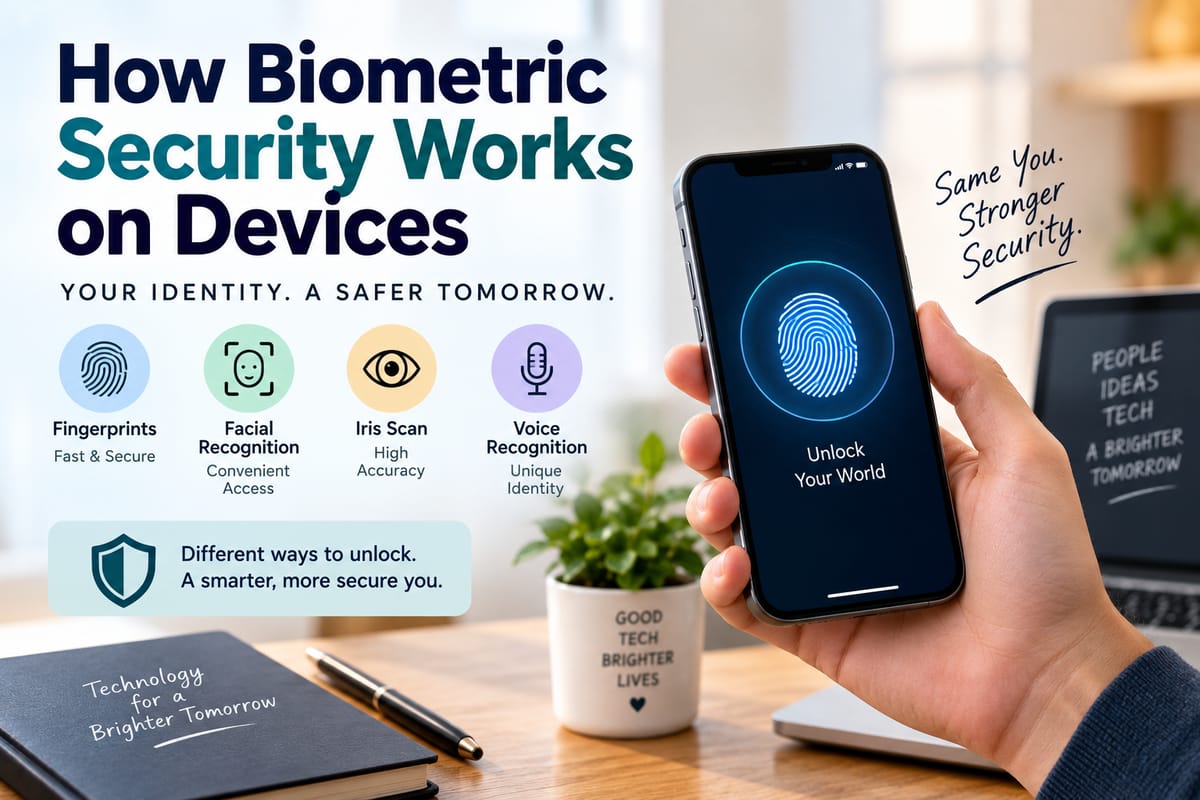
- Fingerprints
- Facial features
- Iris patterns
- Voice characteristics
- Palm or hand patterns
- Behavioral characteristics such as typing patterns
On consumer devices, biometrics are most commonly used to confirm that the person attempting to unlock or access the device is an authorized user.
Biometric authentication is therefore different from simply entering information such as a password or PIN.
How Device Biometric Authentication Works
Although the exact technology varies, biometric authentication generally follows a sequence of steps.
First, the device captures biometric information using a sensor. The system then processes that information and extracts relevant characteristics.
During enrollment, those characteristics are used to create a mathematical representation that can be stored securely on the device.
Later, when the user attempts to authenticate, the device captures a new biometric sample and compares it with the stored representation.
If the new sample is sufficiently similar to the enrolled template, the system can approve the authentication.
The process is therefore not simply a matter of taking a photograph or storing an ordinary image of a fingerprint.
Enrollment Is the First Important Step
Before biometric authentication can be used, a device usually needs to learn what the authorized user's biometric characteristics look like.
This process is called enrollment.
For a fingerprint system, the user may place a finger on a sensor several times so that the device can capture different portions and angles of the fingerprint.
For facial recognition, the device may capture information about the user's facial structure from different positions.
The resulting information is processed into a biometric template that can later be used for comparison.
Fingerprint Recognition
Fingerprint authentication is one of the most widespread forms of biometric security on personal devices.
Fingerprints contain patterns made up of ridges, valleys and distinctive points. Sensors can capture these characteristics and use them to create a representation suitable for authentication.
Different devices use different sensor technologies.
Optical Sensors
Optical fingerprint sensors use light to capture an image of the fingerprint.
The resulting image is analyzed to identify distinctive patterns that can be compared with the enrolled fingerprint.
Capacitive Sensors
Capacitive sensors measure differences in electrical properties across the surface of a finger.
These differences can help the system distinguish fingerprint ridges from valleys and construct a representation of the fingerprint.
Other Sensor Technologies
Some systems use more advanced sensing techniques to capture information beneath or around the surface of the finger.
The goal is generally the same: obtain enough reliable information to determine whether the presented fingerprint corresponds to the enrolled user.
Facial Recognition
Facial recognition systems use cameras and sensors to analyze characteristics of a person's face.
Depending on the system, these characteristics can include the relative position and shape of facial features and, in more advanced systems, information about the three-dimensional structure of the face.
A basic camera-based system may rely heavily on visible images, while more sophisticated systems can use depth information or infrared sensing.
This distinction matters because a system that understands three-dimensional facial structure may be better equipped to distinguish a real person from a flat photograph.
Iris and Eye-Based Authentication
The iris is the colored portion of the eye surrounding the pupil.
Iris recognition systems analyze patterns within the iris that can be highly distinctive between individuals.
Some specialized devices use cameras or infrared illumination to capture these patterns.
Although iris recognition can provide highly detailed biometric information, it is less common on mainstream consumer devices than fingerprint and facial authentication.
Voice Biometrics
Voice recognition can also be used as a biometric authentication method.
A person's voice contains characteristics related to the physical structure of the vocal system and their speaking patterns.
A voice biometric system analyzes these characteristics and creates a representation that can be compared with future voice samples.
However, voice authentication can face challenges caused by background noise, illness, changes in the user's voice and high-quality recordings.
For that reason, voice recognition may be combined with other security mechanisms depending on the application.
Behavioral Biometrics
Not all biometrics involve physical characteristics.
Behavioral biometrics analyze patterns in the way someone interacts with a device.
Examples can include:
- Typing rhythm
- Touchscreen interaction
- Mouse movement
- Device handling patterns
- Navigation behavior
These characteristics can sometimes be used as additional signals for identifying unusual activity.
For example, a system could notice that the way a device is being operated differs substantially from an established user pattern.
Behavioral information can complement conventional authentication rather than necessarily replacing it.
Biometric Templates Are Different From Passwords
One important distinction is that biometric systems typically do not need to store a conventional copy of a fingerprint or face for authentication.
Instead, the device can convert captured biometric information into a mathematical template.
The template contains characteristics that the authentication system can use for comparison.
This approach is intended to make the stored representation less directly useful as a normal photograph or fingerprint image.
However, biometric information is still highly sensitive. Unlike a password, a person generally cannot simply replace their fingerprint or face if biometric data is compromised.
This makes secure storage and careful handling particularly important.
Where Biometric Data Is Stored
Modern devices can be designed to keep biometric information in protected areas of the device.
Depending on the manufacturer and hardware architecture, biometric templates may be isolated from the main operating system using dedicated security components or protected processing environments.
This can reduce the opportunity for ordinary applications to directly access sensitive biometric information.
The exact implementation differs between devices, so users should not assume that every biometric system provides identical protections.
Biometric Matching Is Not Always Exact
Biometric authentication does not usually work like comparing two identical digital files.
A fingerprint may be presented at a slightly different angle. Lighting conditions may change the appearance of a face. A person's skin may be wet or dirty.
The authentication system therefore evaluates how closely the new sample matches the enrolled template.
It uses thresholds to determine whether the similarity is sufficient for authentication.
This creates an important balance between convenience and security.
If the threshold is too strict, legitimate users may frequently be rejected. If it is too relaxed, the possibility of an unauthorized match can increase.
False Acceptance and False Rejection
Two important concepts help describe biometric system performance.
False acceptance occurs when a system incorrectly accepts an unauthorized person.
False rejection occurs when a system incorrectly rejects an authorized user.
A well-designed authentication system attempts to keep both problems within acceptable limits.
The appropriate balance depends on the purpose of the device. A consumer smartphone may prioritize a combination of convenience and strong protection, while a high-security facility may use substantially stricter requirements.
Biometrics Are Not the Same as Authentication by Themselves
Biometric security is often part of a broader authentication system.
A device may require a fingerprint or face scan for everyday unlocking while still requiring a PIN or password in certain circumstances.
For example, a device may require the primary passcode after restarting, after a long period without authentication or after repeated unsuccessful biometric attempts.
This provides an important backup mechanism.
Users who want to understand how different authentication methods can work together can explore How Multi-Factor Authentication Improves Account Security.
Why Devices Still Use PINs and Passwords
Biometrics are convenient, but they do not eliminate the need for traditional authentication credentials.
A password, PIN or passcode can be changed. A fingerprint or face generally cannot.
Passwords and PINs can also be useful when biometric sensors cannot reliably authenticate the user.
For these reasons, many devices treat biometrics as a convenient authentication factor backed by a stronger credential.
The combination can provide both convenience for routine access and an alternative method when biometric recognition is unavailable.
Biometric Security Can Protect More Than Device Unlocking
Biometric authentication can also be used to authorize specific actions.
A smartphone might require a fingerprint or facial scan before approving a payment. A banking application may use biometric authentication before displaying sensitive information or authorizing an action.
Some password managers can use biometrics to unlock stored credentials.
This means biometric security can become part of a wider identity and access system rather than simply serving as a lock screen feature.
The broader principles are covered in The Complete Guide to Identity and Access Security.
Convenience Is One of Its Biggest Advantages
One reason biometric security has become popular is its simplicity.
A user does not need to remember a long password every time they unlock a device. A quick fingerprint touch or glance can provide authentication within seconds.
This convenience can also encourage people to use device security consistently.
If a security mechanism is easy to use, users may be less tempted to leave their devices completely unlocked or rely on extremely simple passcodes.
Biometrics Have Physical Limitations
Biometric systems can be affected by physical conditions.
A fingerprint sensor may have difficulty reading a wet, dirty or damaged finger. Facial recognition can be affected by lighting, camera obstruction or changes in appearance.
Gloves can interfere with some fingerprint systems, while masks or other coverings may affect certain facial recognition technologies.
These limitations explain why devices typically provide alternative authentication methods.
Biometric Security and Privacy
Privacy is an important consideration because biometric information is closely connected to an individual.
Users may reasonably want to know:
- What biometric information is collected?
- Where is it stored?
- Can applications access it?
- Is it transmitted elsewhere?
- How is it protected?
- What happens if the device is repaired or replaced?
Understanding these questions is part of understanding modern device security.
The broader relationship between personal information, collection and digital protection is discussed in What Is Data Privacy and Why Matters.
Biometrics Can Reduce Some Password Risks
Passwords can be stolen through phishing, reused across websites or exposed in data breaches.
Biometric authentication can reduce dependence on passwords for some everyday actions.
However, biometrics do not eliminate all security risks.
A compromised device, malicious application, social engineering attack or stolen authentication credential can still create problems.
Biometric security is therefore best understood as one component of a broader security strategy.
What Happens If a Biometric Sensor Fails?
Devices normally provide backup authentication methods for situations where biometric recognition does not work.
A user may be asked to enter a PIN or password after repeated unsuccessful scans or under certain security conditions.
This ensures that the device does not become permanently inaccessible simply because a sensor cannot recognize its owner.
It also allows the system to periodically require the underlying credential rather than relying indefinitely on biometric authentication alone.
Protecting the Device Still Matters
Biometric security cannot protect a device if other security controls are neglected.
Users can strengthen overall device security by:
- Keeping the operating system updated
- Using a strong passcode
- Enabling automatic locking
- Installing applications from trusted sources
- Reviewing application permissions
- Avoiding suspicious links and downloads
- Enabling additional account protections
- Using device-finding and remote-lock features when available
Biometric authentication works best as part of this larger security framework.
Biometric Security and Identity Theft
A stolen device containing biometric authentication may contain sensitive personal information, financial accounts, photographs and communications.
Strong device protection can make unauthorized access more difficult.
However, biometric authentication does not by itself prevent identity theft. Criminals can obtain personal information through phishing, fraudulent communications, compromised accounts and other methods.
A broader approach to protecting personal information is described in the Identity Theft Protection Guide.
The Future of Biometric Authentication
Biometric security is likely to continue developing as sensors, processors and artificial intelligence improve.
Future systems may combine multiple biometric signals rather than relying on a single characteristic.
A device could potentially evaluate facial features, voice, behavior and device-handling patterns together to determine whether an interaction appears legitimate.
Authentication could also become increasingly passive, with devices continuously assessing signals in the background rather than requiring users to explicitly authenticate for every action.
Such developments could make devices more convenient, but they would also increase the importance of transparency, privacy controls and secure data handling.
What Makes Biometric Security Useful
Biometric authentication offers a practical way to connect device access with characteristics associated with the authorized user.
Fingerprint sensors can analyze unique ridge patterns. Facial recognition can examine facial characteristics. Other systems can analyze eyes, voices or behavior.
Behind these familiar features are sensors, mathematical templates, matching algorithms and secure processing systems designed to distinguish legitimate users from unauthorized attempts.
Biometrics are not a perfect replacement for passwords or other security measures. They work most effectively when combined with strong device protection, secure credentials, software updates and sensible privacy practices.
As everyday gadgets become more connected, biometric security will likely remain an important part of how people prove who they are and control access to their digital lives.