Why Mobile Apps Need Regular Updates
Mobile apps have become part of everyday life. People use them to communicate, manage finances, shop, work, study, stream media, track fitness, navigate unfamiliar places, and perform countless other tasks. But once an app is installed, its development does not simply stop.
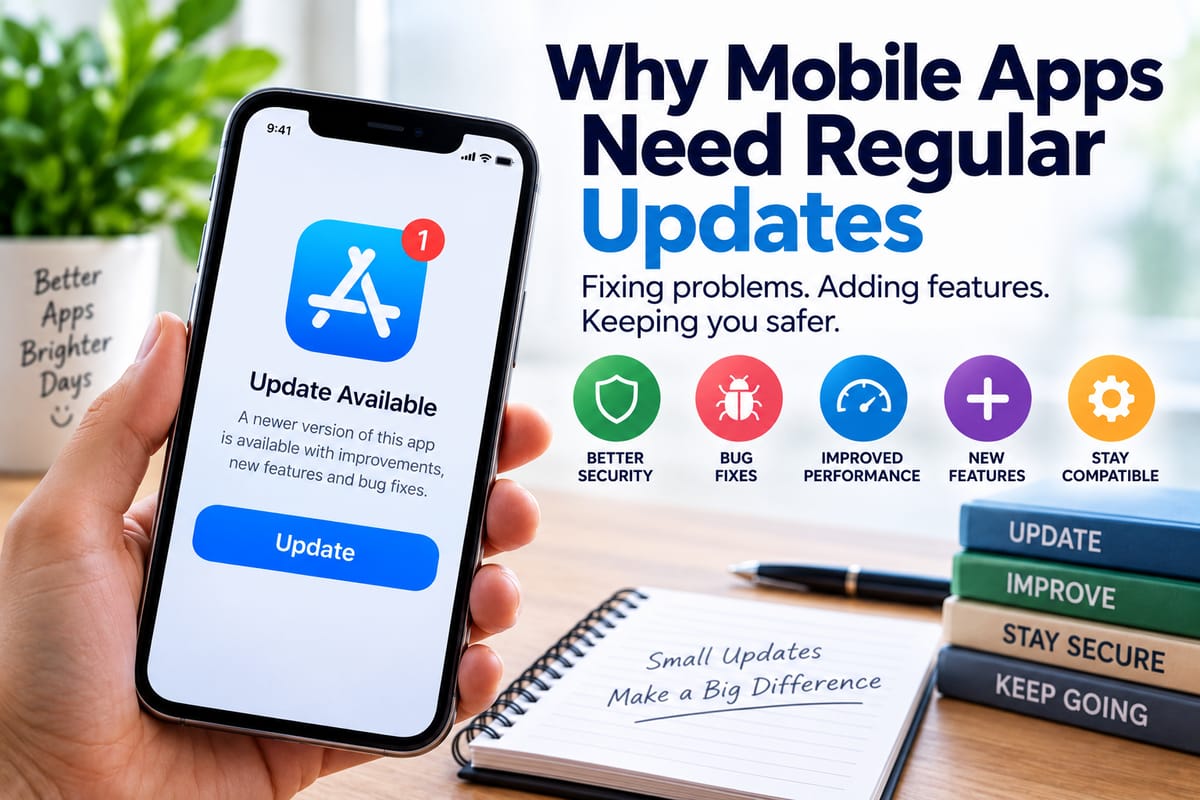
Regular updates are an important part of keeping mobile applications functional, secure, compatible, and useful. Developers use updates to fix problems, address security weaknesses, improve performance, introduce new features, and make sure apps continue working as operating systems and devices change.
Understanding why these updates matter can help users make better decisions about when to install them and why an application may occasionally require an update before it can be used.
What Is a Mobile App Update?
A mobile app update is a newer version of an application released by its developer. It replaces or modifies some of the software components already installed on a smartphone or tablet.
Updates can be small or substantial. A minor update might correct a particular bug or improve performance, while a larger release could introduce a redesigned interface, new functionality, compatibility improvements, or significant changes to the underlying software.
Mobile apps are one part of a much larger software ecosystem. For a broader explanation of applications and their different purposes, The Complete Guide to Apps provides useful context.
Updates are typically delivered through an app store or another authorized distribution system. Depending on the device and settings, updates may be installed automatically or require the user to approve them.
Why Do Mobile Apps Need Regular Updates?
Mobile applications operate in constantly changing environments. Smartphones receive new operating system versions, hardware capabilities evolve, security threats change, and users expect applications to remain reliable.
Regular updates allow developers to respond to these changes.
Several factors make ongoing maintenance particularly important.
1. Security Vulnerabilities Need to Be Fixed
Security is one of the most important reasons for keeping an app updated.
Software can contain vulnerabilities that were not discovered during its original development or testing. Once a weakness is identified, developers may release a patch designed to address it.
An outdated app may therefore contain a security problem that has already been corrected in a newer version.
Security updates can address issues involving areas such as:
- Unauthorized access
- Data exposure
- Authentication
- Encryption
- Insecure communications
- Malicious input
- Vulnerable third-party components
- Improper handling of sensitive information
This is particularly important for applications that process personal, financial, business, or authentication information.
Keeping an app updated does not guarantee complete security, but it helps ensure that known problems addressed by the developer are not unnecessarily left unpatched.
2. Updates Fix Bugs and Errors
No complex software is completely free of bugs.
A mobile application may behave differently across various phones, operating system versions, screen sizes, network conditions, and hardware configurations. Some problems may only become apparent after an application has been used by a large number of people.
Developers can use subsequent releases to correct these problems.
A bug fix might resolve issues such as:
- An app unexpectedly closing
- Buttons not responding correctly
- Pages failing to load
- Notifications arriving incorrectly
- Files not saving properly
- Features becoming unavailable
- Login problems
- Incorrect information being displayed
- Excessive battery consumption
Without regular maintenance, relatively small problems can accumulate and make an application increasingly difficult to use.
3. Updates Improve App Performance
An application that worked smoothly when first installed may not always perform equally well over time.
Developers can optimize code, improve how resources are managed, reduce unnecessary processing, and address performance bottlenecks through updates.
Performance improvements can affect:
- Startup times
- Screen responsiveness
- Memory usage
- Battery consumption
- Network efficiency
- Data processing
- Animation and interface responsiveness
These changes may not always be obvious because a successful performance update can simply make the app feel faster and more stable.
For users interested in the technology behind applications, understanding how modern software works provides a broader picture of the systems and processes that allow applications to function.
4. Mobile Operating Systems Keep Changing
Smartphone operating systems are regularly updated by their developers.
New operating system versions can introduce changes to security controls, permissions, APIs, background processing, notifications, storage access, networking, graphics, and other underlying capabilities.
Mobile apps need to adapt to these changes.
An application that was designed for an older operating system may eventually encounter compatibility problems. Developers can release updates to modify the application so that it continues working properly with newer versions of the operating system.
This relationship works in both directions. Operating system developers update the platform, while application developers update their apps to work effectively within that changing platform.
5. New Devices Require Compatibility Improvements
The smartphone market contains a wide variety of devices.
Phones can differ in:
- Screen dimensions
- Processing power
- Memory
- Camera systems
- Graphics capabilities
- Operating system versions
- Connectivity technologies
- Accessibility features
Developers must account for these differences when maintaining an application.
Updates can improve compatibility with newer devices while addressing problems that emerge from hardware changes.
For example, an application might need to adjust its interface for a new screen format or modify how it handles a newly introduced device capability.
6. Updates Can Introduce New Features
Not every update is about fixing something that is broken.
Developers also release updates to expand what an application can do.
New features might include:
- Additional editing tools
- New communication options
- Improved search
- Enhanced customization
- New payment functionality
- Better accessibility controls
- Additional privacy settings
- Integration with other services
- New content-management capabilities
Feature updates can extend an app's usefulness and allow it to respond to changing user expectations.
In competitive app categories, developers may also need to continuously improve their products because users can easily compare similar applications.
7. Privacy Controls Can Improve Over Time
Privacy requirements and expectations continue to evolve.
Developers may update applications to give users greater control over information collected by the app or how certain permissions are used.
An update could modify the way an application requests access to:
- Location
- Camera
- Microphone
- Contacts
- Photos and media
- Files
- Notifications
Updates can also change internal data-handling practices and improve transparency around permissions.
Users should still review an application's privacy settings rather than assuming that every update automatically provides complete privacy protection.
8. Updates Help Apps Work With Other Services
Many mobile applications depend on external systems.
A banking app may communicate with financial servers. A messaging application may rely on cloud infrastructure. A shopping app may connect to payment services and inventory systems. A productivity application may synchronize information between multiple devices.
These external services can change.
If an application does not adapt to changes in the systems it communicates with, certain features can eventually stop working correctly.
Regular updates give developers a way to maintain these connections and adapt the app to changes in APIs, authentication systems, server infrastructure, and other technologies.
9. Developers Can Respond to Newly Discovered Problems
Software development is an ongoing process rather than a one-time event.
Problems can emerge after an application has been released because developers cannot realistically test every possible combination of device, operating system, network, user behavior, and external service.
User reports, automated monitoring, security research, and developer testing can reveal problems that were not previously known.
Updates provide a mechanism for responding to those discoveries.
This is one reason software maintenance is such an important part of the software lifecycle.
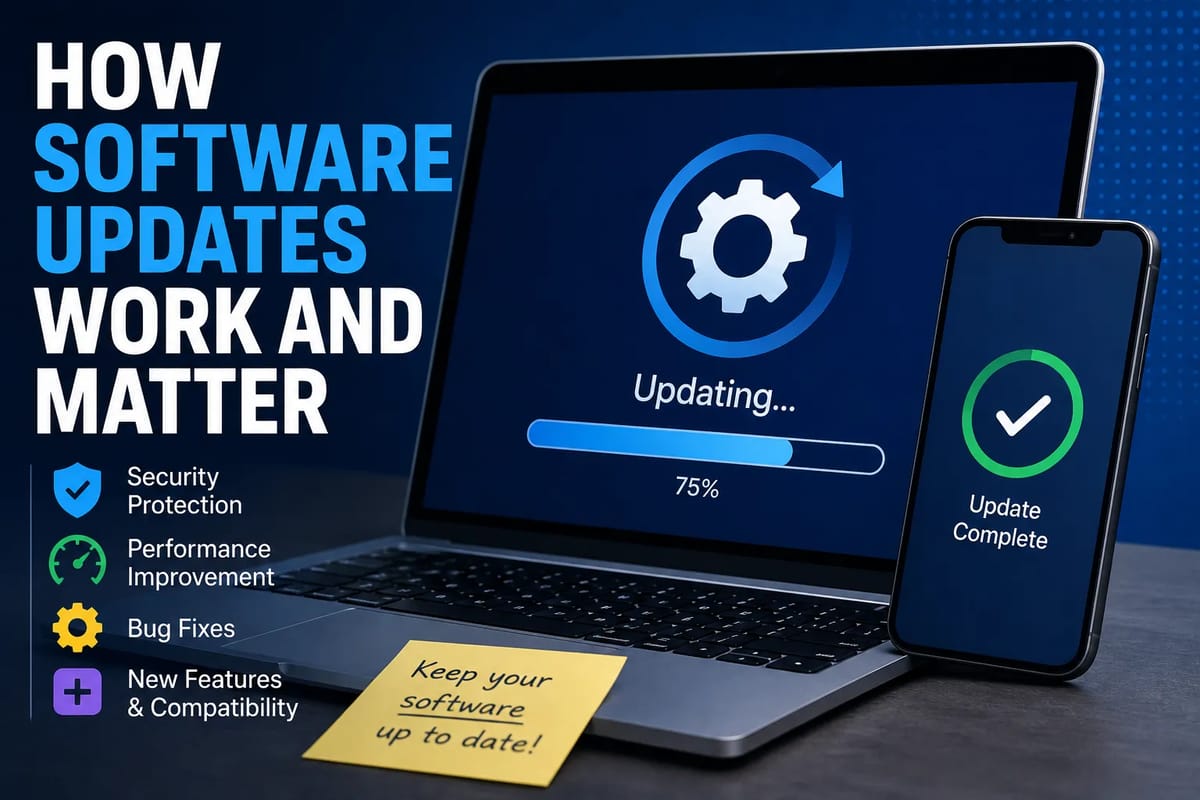
For a deeper look at the broader process, How Software Updates Work and Matter explains why software needs continuing maintenance after its initial release.
10. Updates Can Improve Accessibility
Mobile applications are used by people with different abilities and needs.
Developers can use updates to improve accessibility features, including:
- Screen-reader compatibility
- Text scaling
- Color and contrast options
- Voice controls
- Captioning
- Touch interactions
- Keyboard navigation
- Alternative ways to complete tasks
Accessibility improvements can make applications easier to use for a broader range of people.
They can also help developers keep pace with accessibility capabilities introduced by mobile operating systems.
11. Updates Can Address Battery and Data Usage
Some applications can consume substantial amounts of battery power or mobile data if they perform inefficient background operations.
Developers may identify these problems and optimize how the app handles synchronization, notifications, location services, media, or network requests.
An update might therefore reduce unnecessary activity and improve overall efficiency.
However, battery life is influenced by many factors beyond the application itself, including screen brightness, signal strength, device age, operating system behavior, and other apps running in the background.
What Happens When an App Is Not Updated?
The consequences of skipping updates vary depending on the application and the type of update involved.
An older version may continue working normally for a while. In other cases, users may encounter progressively more noticeable problems.
Possible consequences include:
- Increased exposure to known security vulnerabilities
- Compatibility problems
- Bugs that have already been fixed
- Missing features
- Poorer performance
- Broken integrations
- Login or authentication difficulties
- Problems with newer operating systems
- Reduced technical support
Some developers eventually stop supporting older versions entirely.
This can result in an application displaying an update requirement before allowing the user to continue.
Why Some Updates Are Mandatory
Users sometimes encounter applications that refuse to operate until they are updated.
This can happen for several reasons.
A developer may require a newer version because the previous version contains a serious security vulnerability. The old version might also rely on a backend system that is no longer supported.
For services that handle sensitive information, requiring current software can be part of maintaining a consistent security and technical environment.
Mandatory updates can be inconvenient, particularly when users have limited storage, slow internet access, or older devices. However, the requirement may reflect changes that cannot easily be supported by the older version.
How App Updates Are Tested
Before an update reaches users, developers typically test it in various environments.
Testing can involve:
- Automated software tests
- Manual testing
- Device testing
- Operating system compatibility testing
- Security testing
- Performance testing
- User-interface testing
- Beta testing
- Crash monitoring
The exact process differs between development teams and applications.
Large applications may be tested across numerous device configurations because a change that works correctly on one smartphone may behave differently on another.
Even extensive testing cannot identify every possible problem. This is why developers continue monitoring applications after updates are released.
Why Updates Sometimes Cause New Problems
An update is intended to improve an application, but it can occasionally introduce new bugs.
Software systems are interconnected. Changing one component can sometimes affect another component in an unexpected way.
For example, an update could improve performance while accidentally causing a particular feature to behave differently on an older device.
Developers may respond by releasing another update that corrects the newly discovered problem.
This is a normal part of maintaining complex software and does not necessarily mean that updating an application is undesirable.
What Is the Difference Between an Update and an Upgrade?
The terms are sometimes used interchangeably, but they can describe different levels of change.
An update generally refers to changes made to an existing version of software. These may include security patches, bug fixes, performance improvements, and smaller feature additions.
An upgrade can refer to a more substantial move to a newer version or generation of software.
The distinction is not universal. Different developers and platforms use these terms differently.
What matters from the user's perspective is understanding what a particular release changes and whether it affects compatibility, functionality, security, or other important aspects of the application.
How Often Should Mobile Apps Be Updated?
There is no universal schedule that applies to every mobile application.
Some applications may receive updates frequently, while others may only need occasional maintenance.
The appropriate frequency depends on factors such as:
- The complexity of the application
- Security requirements
- Operating system changes
- Frequency of bug discoveries
- New feature development
- Third-party dependencies
- Changes to external services
- User feedback
For users, the simplest approach is generally to allow trusted applications to update through the official app store when updates are available, particularly when an update contains security or compatibility fixes.
Should Automatic App Updates Be Enabled?
Automatic updates can reduce the chance of an application remaining outdated.
They allow newer versions to be installed without requiring the user to manually check every application.
However, some users may prefer manual control because of:
- Limited mobile data
- Limited storage
- Slow internet connections
- Concerns about unexpected interface changes
- Compatibility considerations on older devices
Users who choose manual updates should periodically check for available releases rather than leaving applications indefinitely outdated.
Why App Developers Cannot Simply Leave an App Alone
A mobile application might appear to be a finished product once it is published, but the environment around it continues changing.
Operating systems evolve. Devices change. Security vulnerabilities are discovered. External services are modified. User expectations shift. New technologies become available.
As a result, an app that remains unchanged can gradually become less compatible with the environment in which it operates.
This is also why there are many different categories of applications, each with different technical requirements. The Different Types of Software Applications and What They Are Used For guide provides a broader look at how software applications serve different purposes.
What Users Should Check Before Updating an App
Although keeping applications updated is generally useful, users can take a few simple steps before installing a major release.
Check the Update Notes
Release notes can explain what has changed.
Look for information about:
- Security fixes
- Bug fixes
- New features
- Compatibility changes
- Performance improvements
- Required operating system versions
Make Sure There Is Enough Storage
Large updates can require additional temporary storage during installation.
If a device is nearly full, an update may fail or cause other storage-related problems.
Use a Trusted Source
Mobile applications should generally be updated through official app stores or other authorized distribution channels.
Downloading modified application packages from unknown sources can introduce additional security risks.
Keep the Operating System Updated
Updating applications while leaving the underlying mobile operating system severely outdated can still create compatibility and security issues.
Both the operating system and applications form part of the device's broader software environment.
Updates Are Part of the Mobile App Lifecycle
A mobile application is not simply created, published, and forgotten. It moves through an ongoing lifecycle involving development, testing, release, monitoring, maintenance, security improvements, and further development.
Regular updates are the mechanism that allows developers to keep an application aligned with that changing environment.
For users, updates can mean stronger security, fewer bugs, better performance, improved compatibility, new features, and continued access to important services. While an occasional update may introduce inconvenience or require additional storage and data, keeping applications reasonably current helps prevent many avoidable problems.
In a world where smartphones increasingly serve as tools for communication, work, entertainment, finance, and everyday organization, maintaining the software running on those devices is just as important as maintaining the devices themselves.