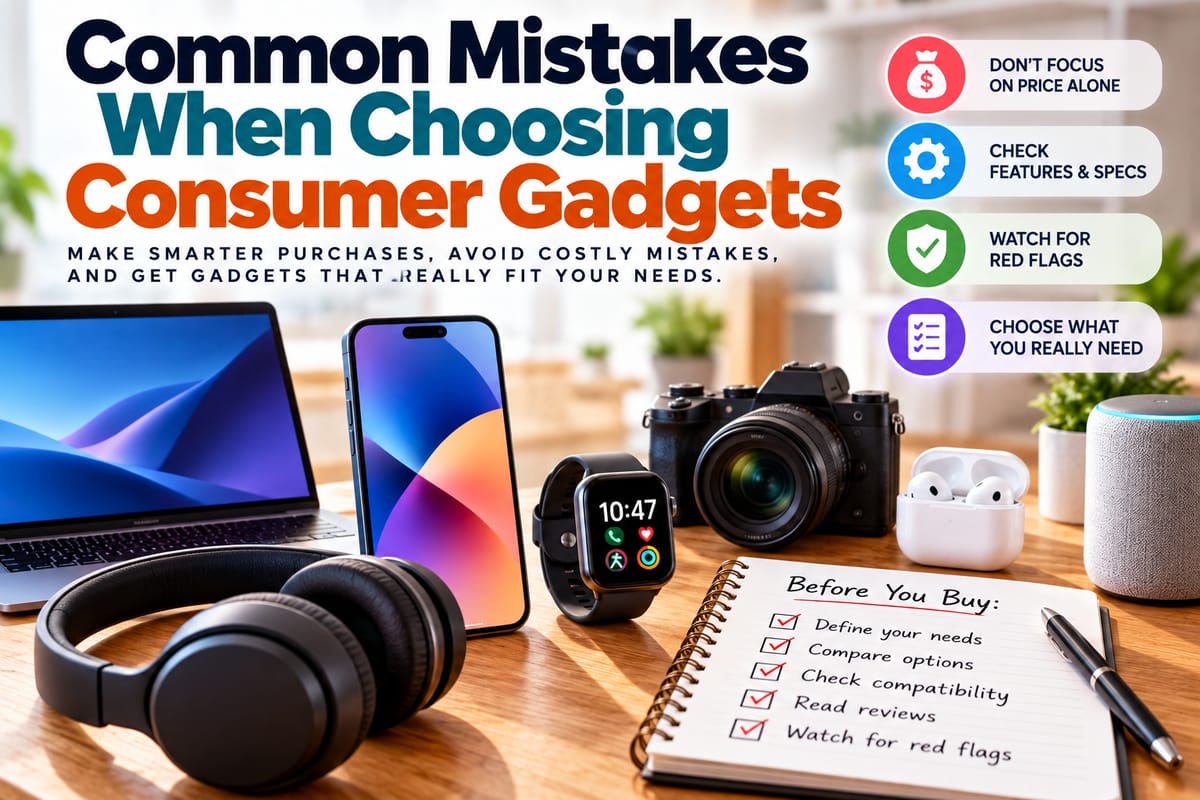
Common Mistakes When Choosing Consumer Gadgets
Consumer gadgets have become an everyday part of modern life. Smartphones, tablets, laptops, headphones, smartwatches, televisions, cameras, gaming devices, and smart-home products can all make communication, entertainment, work, and daily tasks more convenient.
But choosing the right gadget is not always straightforward. Product specifications can be difficult to compare, marketing claims can be persuasive, and a device that looks impressive on paper may not actually suit a person's needs.
Many purchasing mistakes happen because buyers focus on the wrong details or make decisions too quickly. Understanding these common mistakes can make it easier to evaluate gadgets based on practical needs rather than impulse or advertising.
Buying Based Only on Price
Price is an important consideration, but it should not be the only factor.
A very inexpensive gadget may have limitations that become frustrating over time, while an expensive model may include features that a particular user never needs.
Instead of asking only how much a product costs, consider its overall value.
Look at:
- Performance
- Build quality
- Features
- Compatibility
- Software support
- Battery life
- Warranty
- Repair options
- Expected lifespan
The goal is not always to spend more. It is to choose a product that provides the capabilities needed at a reasonable total cost.
Choosing a Gadget Before Defining Your Needs
One of the most common mistakes is deciding which product to buy before deciding what the device actually needs to accomplish.
For example, someone might choose a powerful laptop because it has an impressive processor, even though their primary activities involve web browsing, email, documents, and video calls.
Another buyer might purchase a compact camera without considering whether they need interchangeable lenses or advanced low-light performance.
Before comparing products, identify the primary tasks the device needs to perform.
A useful starting point is the Complete Guide to Choosing the Right Products, which focuses on evaluating products according to practical requirements rather than simply choosing the most impressive option.
Paying Too Much Attention to Specifications
Specifications provide useful information, but numbers can be misleading when viewed without context.
A larger storage capacity, faster processor, higher display refresh rate, or greater camera resolution does not automatically make one gadget better for every person.
The practical question is how the specification affects actual use.
For example, someone who mainly uses a smartphone for messaging and web browsing may not benefit significantly from the most powerful processor available.
Similarly, a casual photographer may not need the same camera capabilities as someone producing professional video.
Specifications should therefore be interpreted in relation to the intended workload.
Not Understanding Product Specifications
The opposite mistake is ignoring specifications completely.
Buyers sometimes choose gadgets based primarily on appearance, brand familiarity, or advertising without understanding what the product actually offers.
Important specifications can include:
- Processor type
- Memory
- Storage
- Display characteristics
- Battery capacity
- Camera capabilities
- Connectivity options
- Operating system
- Ports
- Wireless standards
- Dimensions and weight
Learning how to understand product features and specifications can make comparisons much easier.
Assuming the Newest Model Is Automatically Necessary
Newer gadgets often introduce useful improvements, but not every upgrade is significant for every buyer.
A new model may offer a faster processor, improved camera, longer battery life, or additional software capabilities.
However, if an older model already performs the required tasks effectively, replacing it may provide limited practical benefit.
Consider what has actually changed between generations and whether those changes matter for your intended use.
Ignoring Compatibility
Compatibility problems can turn an otherwise good purchase into a frustrating one.
Before buying a gadget, check whether it works with the devices, software, accessories, and services you already use.
For example, consider:
- Operating system compatibility
- Required applications
- Charging standards
- Wireless connectivity
- Existing accessories
- File formats
- Smart-home platforms
- Cloud services
A product can have excellent specifications and still be inconvenient if it does not work properly within the rest of your technology setup.
Focusing Only on the Device
A gadget is often part of a larger ecosystem.
Some products require additional accessories, subscriptions, cloud services, replacement batteries, proprietary cables, or compatible devices.
A printer, for example, may have a relatively low purchase price but require expensive consumables.
A gaming system may require additional controllers or storage.
A smart-home product may depend on a particular hub or platform.
Consider the full ecosystem rather than evaluating the device in isolation.
Ignoring Long-Term Software Support
Hardware is only part of a modern gadget's usefulness.
Software updates can provide security improvements, bug fixes, new features, and compatibility with newer services.
Before purchasing a device, consider how the manufacturer handles software support.
Questions worth asking include:
- How frequently does the product receive updates?
- How long is support expected to continue?
- Does the manufacturer have a history of maintaining similar products?
- Are security updates provided?
- Can major software versions be upgraded?
A device with good hardware but poor long-term software support may have a shorter practical lifespan.
Buying Because of Brand Reputation Alone
Brand reputation can provide useful context, but it should not replace product-specific evaluation.
A manufacturer may produce excellent products in one category and less suitable products in another.
Even within the same product line, different models can have different strengths and weaknesses.
Compare the actual product rather than assuming that a familiar brand automatically makes the right choice.
Falling for Marketing Language
Consumer electronics are frequently marketed with terms designed to create excitement.
Words such as "revolutionary," "professional," "next-generation," "ultimate," and "premium" may sound impressive but do not necessarily tell you how a product will perform.
Look for measurable information behind the marketing.
Instead of asking whether a device is described as "powerful," examine its processor, memory, performance characteristics, and intended workload.
Concrete information is generally more useful than promotional language.
Ignoring Product Red Flags
Some warning signs deserve additional attention before a purchase.
These can include unclear specifications, unrealistic performance claims, limited warranty information, poor documentation, missing compatibility information, or a lack of clear manufacturer support.
Learning how to identify product red flags can help buyers recognize potential problems before spending money.
This does not mean every unusual product is automatically a bad purchase. It means questionable claims or missing information should encourage closer examination.
Choosing Based on Reviews Alone
Reviews can be useful, but they should not be treated as the only source of information.
Different reviewers may have different priorities.
A professional photographer may care deeply about camera controls that a casual smartphone user never touches. A gamer may prioritize graphics performance, while a business user may care more about keyboard quality and battery life.
When reading reviews, consider whether the reviewer's use case resembles your own.
It can also help to look for recurring patterns rather than relying on one particularly positive or negative opinion.
Ignoring the Return Policy
Even careful research cannot guarantee that a product will feel right once it is used in real life.
A device may be heavier than expected, uncomfortable to wear, difficult to operate, or incompatible with an existing setup.
Understanding the seller's return policy before buying can therefore be valuable.
Pay attention to:
- Return deadlines
- Restocking fees
- Condition requirements
- Refund methods
- Warranty procedures
- Return shipping responsibilities
Knowing these conditions in advance can prevent unpleasant surprises.
Forgetting About Ergonomics
Technical specifications receive considerable attention, but physical comfort matters too.
A laptop can have excellent performance while having an uncomfortable keyboard. Headphones can offer impressive audio quality but feel uncomfortable after extended use.
Other considerations include:
- Weight
- Size
- Button placement
- Screen position
- Keyboard design
- Grip
- Adjustability
- Port accessibility
A gadget should work well within the physical context in which it will be used.
Underestimating Battery Life
Battery life can have a major impact on everyday convenience.
Manufacturers may provide battery estimates based on particular testing conditions that do not necessarily match real-world use.
Actual battery performance can vary depending on:
- Screen brightness
- Network connections
- Applications
- Processing workload
- GPS use
- Camera use
- Gaming
- Background activity
Consider how the device will actually be used rather than relying entirely on a headline battery figure.
Ignoring Storage Requirements
Storage needs can increase over time.
Photos, videos, applications, games, documents, and offline media can quickly consume available space.
A device with limited storage may seem adequate initially but become restrictive later.
Before purchasing, consider how much storage is currently required and how quickly that requirement is likely to grow.
Also check whether storage can be expanded. Some devices allow memory cards or additional drives, while others rely entirely on fixed internal storage or cloud services.
Buying Features You Will Never Use
More features can increase complexity and price without providing meaningful benefits.
A gadget may include advanced functions that look impressive during a product demonstration but have little relevance to everyday use.
Before paying extra for a feature, ask:
Will I actually use this regularly?
If the answer is no, a simpler model may provide a better fit.
Forgetting About Accessories
Accessories can add significant cost to a gadget.
A product may require cases, chargers, cables, stands, controllers, docks, memory cards, adapters, or other accessories.
Some accessories are optional, while others may be necessary for particular use cases.
Calculate the likely total cost before deciding which product offers the best value.
Ignoring Repairability
A gadget's useful life can depend partly on whether it can be repaired.
Some products allow batteries, screens, storage devices, or other components to be replaced. Others are more difficult or expensive to repair.
Repairability can become particularly important for expensive gadgets.
A product that can be repaired instead of discarded may remain useful for longer and reduce the need for frequent replacement.
Choosing Without Considering Your Existing Ecosystem
Technology ecosystems can create both convenience and limitations.
For example, someone who already uses several devices from the same platform may benefit from features that allow those products to work together.
On the other hand, buying into a new ecosystem may require replacing accessories or learning new software.
Before making a purchase, consider how the new gadget will fit into the technology you already own.
Failing to Compare Alternatives
Choosing the first product you find can make it difficult to know whether you are getting appropriate value.
A comparison does not need to include dozens of products.
Three or four suitable options may be enough to reveal meaningful differences in:
- Price
- Features
- Performance
- Design
- Compatibility
- Support
- Warranty
- Long-term costs
The guide to choosing the right technology devices can provide a useful framework for comparing technology products according to actual requirements.
Shopping Under Pressure
Limited-time promotions, countdown timers, and sales messages can encourage rushed purchasing decisions.
Sometimes a discount represents genuine value. However, urgency can also cause buyers to skip important research.
Before making a significant purchase, take a moment to ask:
- Do I actually need this?
- Does it meet my requirements?
- Have I compared alternatives?
- Do I understand the specifications?
- Are there additional costs?
- What happens if it does not meet expectations?
A short pause can prevent an impulsive purchase.
Choosing Appearance Over Function
Design matters, particularly for products that remain visible in a home or are used frequently.
But appearance should generally be considered alongside practical performance.
A beautifully designed gadget may still be inconvenient if it has poor battery life, uncomfortable controls, limited connectivity, or inadequate performance for its intended purpose.
Look for a balance between aesthetics and functionality.
Not Considering Future Needs
A gadget should meet current needs, but it can also be useful to consider how those needs may change.
Someone buying a laptop might eventually need additional storage. A smart-home device may need to work with future connected products. A camera buyer may later want to add different lenses or accessories.
This does not mean buying the most advanced product available "just in case."
Instead, consider whether the product provides enough flexibility for reasonably foreseeable needs.
Making Better Gadget Decisions
Choosing consumer gadgets becomes easier when the purchasing process starts with needs rather than products.
Define what the device must do, identify the most important specifications, compare realistic alternatives, check compatibility, investigate long-term support, and consider the full cost of ownership.
A useful purchase is not necessarily the newest, cheapest, most powerful, or most feature-packed device. It is the one that fits the user's requirements, budget, existing technology environment, and expected use.
Taking a little more time before purchasing can make it easier to avoid common mistakes and choose gadgets that remain useful long after the excitement of the initial purchase has faded.