**How to Evaluate Software Usability
Software can have impressive features, powerful technology, and an attractive design, yet still be difficult to use. When people struggle to find functions, understand instructions, recover from mistakes, or complete routine tasks, the software may fail to deliver a good user experience.
That is why software usability is an important consideration when choosing, developing, purchasing, or reviewing an application. Usability focuses on how easily people can understand software and accomplish their goals with it.
A usable application should feel clear, predictable, efficient, and accessible without requiring users to constantly consult instructions. Evaluating these qualities can reveal whether software actually works well for the people who are expected to use it.
What Is Software Usability?
Software usability describes how effectively and comfortably users can interact with a software product to accomplish specific tasks.
It involves more than whether an application technically works. A program may perform every function listed in its specifications while still being frustrating or confusing to operate.
Usability commonly considers several factors, including:
- Learnability: How quickly can a new user understand the software?
- Efficiency: How easily can experienced users complete common tasks?
- Memorability: Can users remember how to perform tasks after returning to the software?
- Error handling: Does the application help users avoid and recover from mistakes?
- User satisfaction: Does the software provide a comfortable and understandable experience?
- Accessibility: Can people with different abilities and needs use the software effectively?
These factors provide a useful framework for evaluating software from the user's perspective rather than focusing exclusively on technical specifications.
Why Software Usability Matters
People interact with software to accomplish something. They may want to send a message, manage finances, edit a document, analyze information, purchase a product, or complete a workplace task.
If the software creates unnecessary obstacles, users may spend more time figuring out how the application works than completing their actual objectives.
Poor usability can result in:
- Increased training requirements
- More frequent user errors
- Lower productivity
- Frustration and abandonment
- Higher support costs
- Difficulty adopting new features
- Reduced confidence in the software
Good usability, by contrast, can make software easier to learn and more efficient to use.
Understanding the broader role of applications can also help put usability into context. The Complete Guide to Apps explains how applications serve different purposes and how people interact with them across different environments.
Start With the User's Goals
One of the most important steps in evaluating usability is identifying what users are actually trying to accomplish.
A useful evaluation does not begin with questions such as, "Does this application have enough features?" Instead, it asks questions such as:
- What are users trying to accomplish?
- Which tasks do they perform most frequently?
- How much experience do they have with similar software?
- What information do they need?
- Where are they likely to make mistakes?
- What obstacles could prevent them from completing a task?
For example, a project-management application might contain dozens of functions. However, a typical user may primarily need to create tasks, assign responsibilities, update progress, and review deadlines.
If those core activities are difficult to complete, having additional advanced features does not necessarily make the application more usable.
Evaluate the User Interface
The user interface is one of the most visible parts of software usability. It includes menus, buttons, forms, navigation systems, icons, text, layouts, notifications, and other elements through which users interact with an application.
A good interface should help users understand what they can do and what will happen when they take an action.
Look for qualities such as:
- Clear navigation
- Consistent layouts
- Understandable labels
- Readable text
- Logical grouping of functions
- Appropriate use of icons
- Visible system feedback
- Predictable controls
An interface can look modern without necessarily being easy to use. Visual appeal should support functionality rather than replace it.
For a deeper understanding of this relationship, User Interface Software Explained: How People Use Apps provides useful context about how interfaces connect people with software.
Test How Quickly New Users Learn
A usable application should not require extensive training for simple tasks.
One practical way to evaluate this is to give someone unfamiliar with the software a basic task and observe what happens. Avoid immediately explaining every feature. Instead, allow the person to explore the application naturally.
Pay attention to:
- Where they look first
- Whether they understand the navigation
- Which controls they select
- Whether labels make sense
- Where they hesitate
- Whether they ask for help
- Whether they make mistakes
- How long it takes to complete the task
The goal is not necessarily to eliminate every moment of uncertainty. Some software naturally requires learning. The important question is whether the learning process is reasonable for the application's intended audience.
Measure Task Efficiency
Usability is also about how efficiently people can complete routine activities.
A useful evaluation can measure:
- Time required to complete a task
- Number of steps involved
- Number of clicks or interactions
- Number of errors
- Amount of assistance required
- Whether users need to repeat actions
Suppose two applications provide the same basic function. One requires users to navigate through several menus every time they perform the task, while the other makes the function immediately accessible.
The second application may provide a more efficient experience, particularly for people who perform that task repeatedly.
However, fewer steps are not automatically better. Removing necessary information or safeguards can make an interface faster while also making it less understandable or less reliable.
Look for Consistency
Consistency helps users develop expectations about how software behaves.
For example, if a blue button labeled "Save" performs an action in one section of an application, users generally expect similar controls to behave consistently elsewhere.
Evaluate whether the software maintains consistency in:
- Button placement
- Terminology
- Icons
- Colors and visual signals
- Navigation
- Form behavior
- Keyboard shortcuts
- Error messages
- Confirmation processes
Inconsistent behavior forces users to relearn parts of the application and can increase mistakes.
Examine Error Prevention and Recovery
People make mistakes. Good software usability does not assume that users will always perform every action correctly.
Instead, the software should help prevent common errors and make recovery straightforward when they occur.
Useful features can include:
- Clear validation messages
- Confirmation prompts for destructive actions
- Undo functions
- Automatic saving
- Helpful error explanations
- Recovery options
- Warnings before irreversible actions
An error message such as "Invalid input" provides little assistance. A message explaining what went wrong and how to correct it is much more useful.
The quality of error recovery can be especially important in professional software, where a mistake could result in lost work, incorrect information, or significant delays.
Evaluate Navigation
Navigation determines how easily users can move through an application and locate the functions they need.
A well-organized application should make important features relatively easy to discover without forcing users to remember complicated paths.
When evaluating navigation, consider:
- Are major functions easy to find?
- Are menus organized logically?
- Can users tell where they are?
- Is there a consistent way to return to previous sections?
- Are search and filtering tools available when appropriate?
- Are frequently used functions easily accessible?
Navigation should reflect the way users think about their tasks rather than simply mirroring the technical structure of the software.
Consider Different Types of Users
Software rarely has only one type of user.
An application may be used by beginners, experienced professionals, administrators, occasional users, and people with different accessibility needs.
This means usability should be evaluated across relevant user groups.
For example, beginners may need straightforward guidance, while experienced users may value shortcuts and advanced controls. Both groups can benefit from an interface that provides a clear basic workflow without unnecessarily limiting advanced functionality.
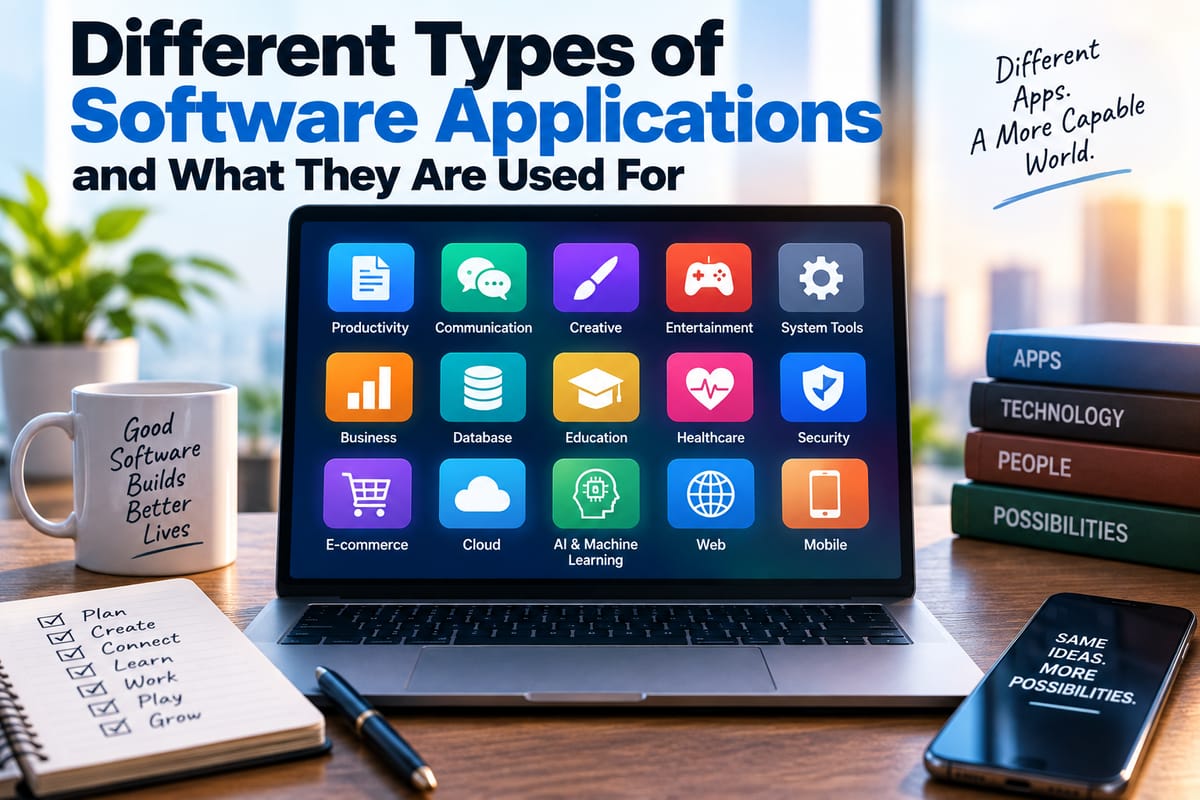
Understanding the purpose of different applications can make this evaluation easier. Different Types of Software Applications and What They Are Used For provides broader context for distinguishing software according to its intended use.
Check Accessibility
Accessibility is an important part of usability because software should be usable by people with different physical, sensory, and cognitive abilities.
Depending on the application, evaluation can include questions such as:
- Can users navigate using a keyboard?
- Is text sufficiently readable?
- Are important visual elements communicated in other ways?
- Do controls have understandable labels?
- Does the interface work with assistive technologies?
- Can users adjust text size or display settings where appropriate?
- Are instructions clear and understandable?
Accessibility should not be treated as an optional visual enhancement. For many users, accessible design directly determines whether they can use an application at all.
Assess Feedback From the Software
Users should generally receive clear feedback after important actions.
For example, when someone uploads a document, submits a form, saves information, or starts a process, the application should provide an indication of what happened.
Useful feedback might include:
- Confirmation messages
- Progress indicators
- Status information
- Visual changes
- Notifications
- Loading indicators
Without feedback, users may wonder whether an action worked and attempt it again, potentially creating duplicate submissions or other problems.
Good feedback should be noticeable without becoming unnecessarily distracting.
Evaluate Performance as Part of Usability
Performance and usability are closely connected.
An interface can be beautifully designed, but if pages take too long to load or actions respond slowly, users may still experience the software as difficult to use.
Consider:
- Startup time
- Response time
- Loading behavior
- Stability
- Frequency of crashes
- Performance on slower devices
- Performance with large amounts of data
Performance should be evaluated under realistic conditions rather than only on powerful development machines or high-speed networks.
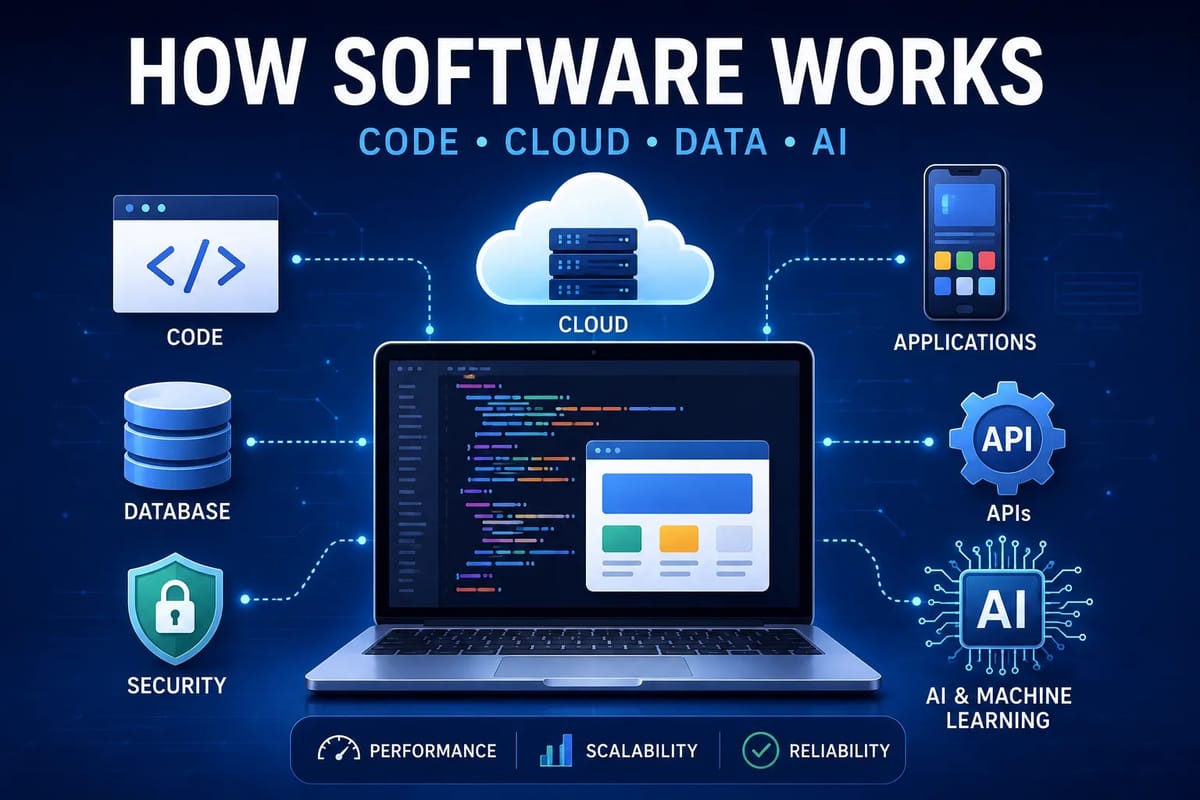
Understanding what happens beneath an interface can also help evaluators identify potential problems. How Modern Software Works provides a broader explanation of the systems and components that allow modern software to function.
Use Realistic Usability Testing
One of the strongest ways to evaluate software is to observe real people using it to complete realistic tasks.
A usability test can follow a simple process:
- Identify the target users.
- Select common tasks.
- Give participants clear objectives.
- Observe how they interact with the software.
- Record errors, delays, and confusion.
- Ask participants about their experience.
- Identify recurring problems.
- Prioritize improvements.
The evaluator should avoid helping participants too quickly. If someone becomes confused, that confusion can provide valuable information about the interface.
The purpose of usability testing is not to prove that the software is good or bad. It is to discover where the experience can be improved.
Ask Users the Right Questions
After testing, user feedback can provide additional insight.
Instead of simply asking whether someone "liked" the application, ask specific questions:
- What was easiest to use?
- What was most confusing?
- Which task took longer than expected?
- Was anything difficult to find?
- Did you encounter an unexpected result?
- Which feature would you change?
- Would you need additional training?
- What would make the software easier to use?
Specific questions produce more actionable information than general satisfaction ratings alone.
Compare Usability With the Alternatives
Usability can also be evaluated comparatively.
If several applications serve similar purposes, test the same tasks across each one. This can reveal meaningful differences in navigation, learning time, efficiency, and error rates.
However, comparisons should account for differences in target audiences and functionality. A professional application may appear more complicated than a consumer application because it supports more sophisticated workflows.
The objective is not simply to identify which interface looks simpler. It is to determine whether each product provides an appropriate experience for its intended users.
Distinguish Features From Usability
More features do not automatically mean better usability.
Every additional function can introduce new menus, settings, notifications, permissions, and interactions. If these elements are poorly organized, they can make the software harder to understand.
When evaluating an application, separate two questions:
What can the software do?
and
How easily can users make it do what they need?
A product with fewer features may be easier to operate, while a feature-rich application may be appropriate when its complexity is organized effectively.
Usability is therefore about the relationship between functionality and the user's ability to access that functionality.
Consider the Full User Journey
Software usability does not begin when someone clicks the first button inside an application.
The broader experience can include:
- Discovering the software
- Installing or accessing it
- Creating an account
- Configuring settings
- Learning basic functions
- Completing regular tasks
- Updating the software
- Getting assistance
- Recovering from problems
- Leaving or migrating away from the product
A product may have an excellent interface but create unnecessary difficulty during setup. Another application might be easy to start using but difficult to maintain over time.
Evaluating the complete journey provides a more realistic picture of usability.
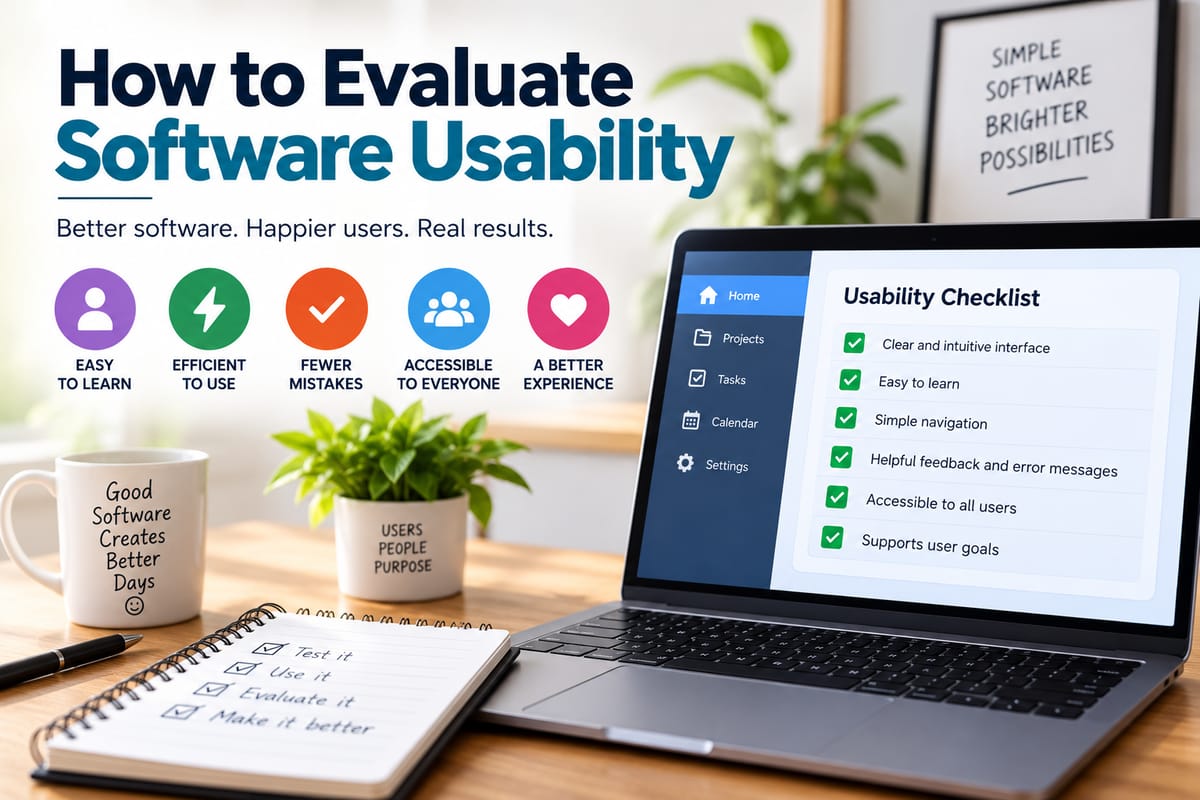
Build a Practical Usability Checklist
A simple checklist can make software evaluations more consistent.
Learnability
- Can new users understand the basic workflow?
- Are important functions discoverable?
- Is unnecessary training required?
Navigation
- Are menus logical?
- Can users easily locate important functions?
- Is the current location within the application clear?
Efficiency
- Can common tasks be completed quickly?
- Are repetitive tasks streamlined?
- Are useful shortcuts available?
Error Handling
- Does the software prevent common mistakes?
- Are error messages understandable?
- Can users undo or recover from mistakes?
Interface
- Are controls clearly labeled?
- Is the layout consistent?
- Is information presented in a logical hierarchy?
Accessibility
- Can users with different needs interact with the software?
- Are controls and content understandable?
- Does the application support appropriate accessibility technologies?
Performance
- Does the software respond promptly?
- Is it stable under normal workloads?
- Does performance remain acceptable under realistic conditions?
Satisfaction
- Do users understand what the software is doing?
- Can they accomplish their goals without unnecessary frustration?
- Would they be comfortable using the software regularly?
Turning Usability Findings Into Better Software Decisions
A usability evaluation becomes most valuable when its findings can guide action.
Not every problem deserves the same priority. A minor visual inconsistency may matter less than a confusing checkout process, a difficult login procedure, or a workflow that causes users to repeatedly lose information.
Prioritization can consider:
- How frequently a problem occurs
- How many users it affects
- How severely it disrupts tasks
- Whether it causes errors
- Whether there is an easy solution
- Whether the affected task is critical
This approach helps teams focus their resources on usability problems that have the greatest practical impact.
Why Usability Should Be Evaluated Continuously
Software changes over time. New features, redesigns, integrations, updates, and changes in user expectations can alter the experience.
A product that was easy to use several years ago may become more complicated as functionality expands.
Continuous usability evaluation can help identify these problems before they become deeply embedded in the product.
Usability should therefore be treated as an ongoing part of software development and product management rather than a one-time inspection performed immediately before launch.
Making Software Easier to Use
Evaluating software usability ultimately means looking at the product from the user's point of view.
The most useful questions are straightforward: Can people understand the software? Can they find what they need? Can they complete important tasks efficiently? Does the application communicate clearly when something happens? Can users recover when something goes wrong? And does the software accommodate the people it is designed to serve?
Answering those questions through observation, testing, feedback, and structured evaluation provides a much clearer picture than judging an application solely by its feature list or visual appearance.
When usability becomes a central consideration, software can move beyond simply functioning correctly and become easier for people to understand, operate, and rely on in everyday situations.
One thought on “How to Evaluate Software Usability”